G4K Pro User Guide
3.2. Output
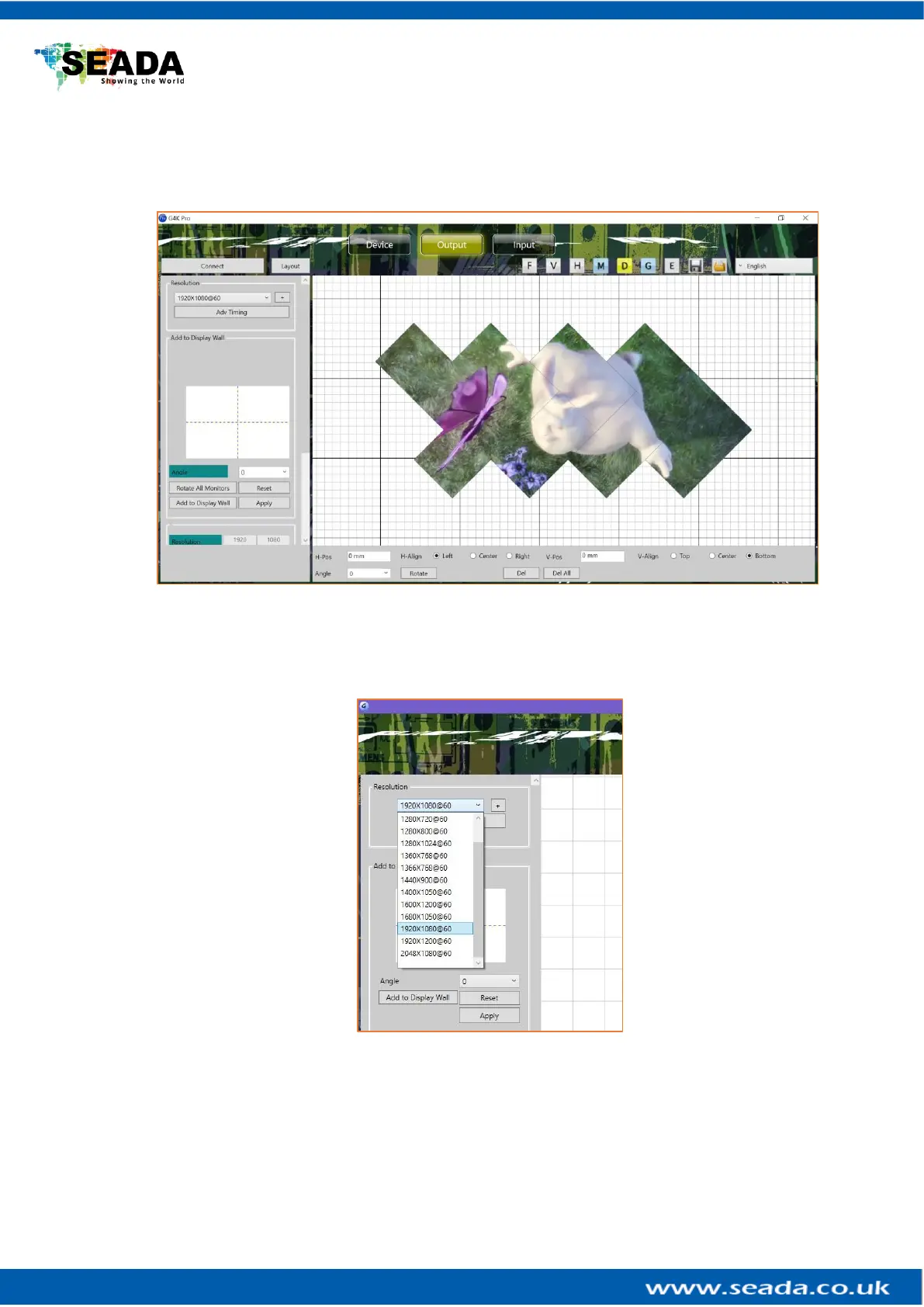
In Output section, users are able to choose the resolution of screens in video wall and set up
the creative video wall layout.
3.2.1. Choose the resolution of the screens
Users are able to choose the resolution of screens from the drop down menu in
Resolution. The default output resolution is 1920 x 1080@60.
Or users are able to create custom resolution if the resolution needed is not in the list.
By clicking ‘+’ in Resolution, a dialog window will be shown for users to customise the
resolution.



 To Next Page