G4K Pro User Guide
3.2.3.2. Delete screens from the wall
There are three ways to delete the screens from the wall.
1. Press Reset button at the left side of screen to delete all the screens on the wall
2. Press Del All button at the bottom of screen to delete all the screens on the wall
3. Highlight the screen and press Del button at the bottom of screen to delete the
single screen
3.2.3.3. Change the layout of the screens
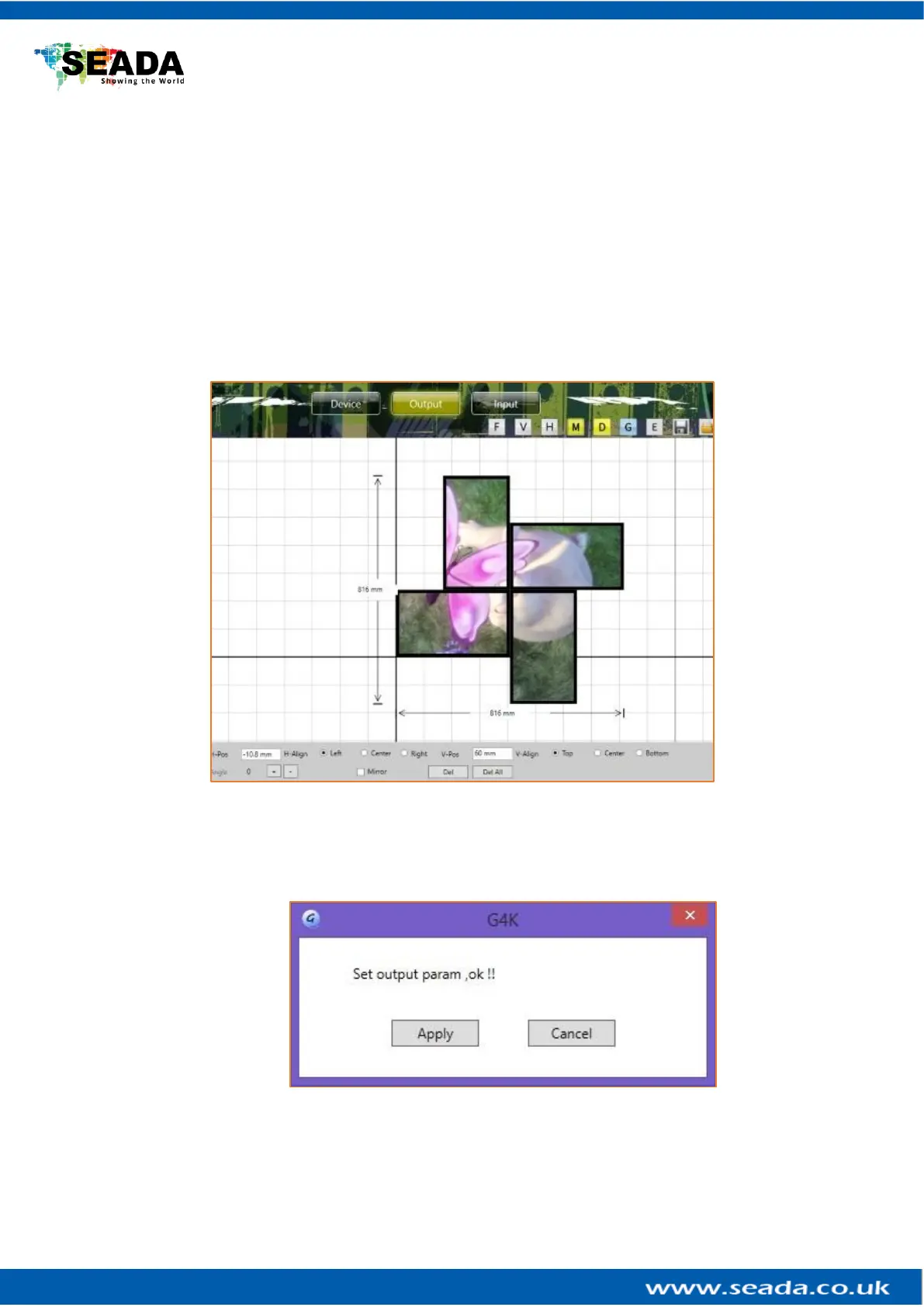
Users are able to manipulate the screens layout to achieve a creative video wall.
Users are able to use drag and drop to move each individual screen to a desired position.
And use ‘Angle’ at bottom to change the rotation of each individual screen.
After changing the layout and other settings, users need to press ‘Apply’ button in ‘Add
to Display Wall’ to enable these changes. A dialog window will be shown to indicate that
the settings have been applied.



 To Next Page