4K 4x1 Seamless Switcher with Multi-view
Website: www.seada.co.uk 20 / 33 E-mail: sales@seada.co.uk
8. RS232 Control
Connect the RS232 port to control device (e.g. PC) with RS232 cable. The switcher can
be controlled by sending RS232 commands.
The below command lists are used to control the switcher. The RS232 control software
(e.g. docklight) needs to be installed on the control PC to send RS232 commands.
After installing the RS232 control software, please set the parameters of COM number,
bound rate, data bit, stop bit and the parity bit correctly, and then you are able to send
command in command sending area.
Baud rate: 9600
Data bit: 8
Stop bit: 1
Parity bit: none
Note:
In the commands, “[”and “]” are symbols for easy reading and do not need to be
typed in actual operation.
Type the command carefully, it is case-sensitive.
8.1 System Control
The ending mark of command is “<CR><LF>”.
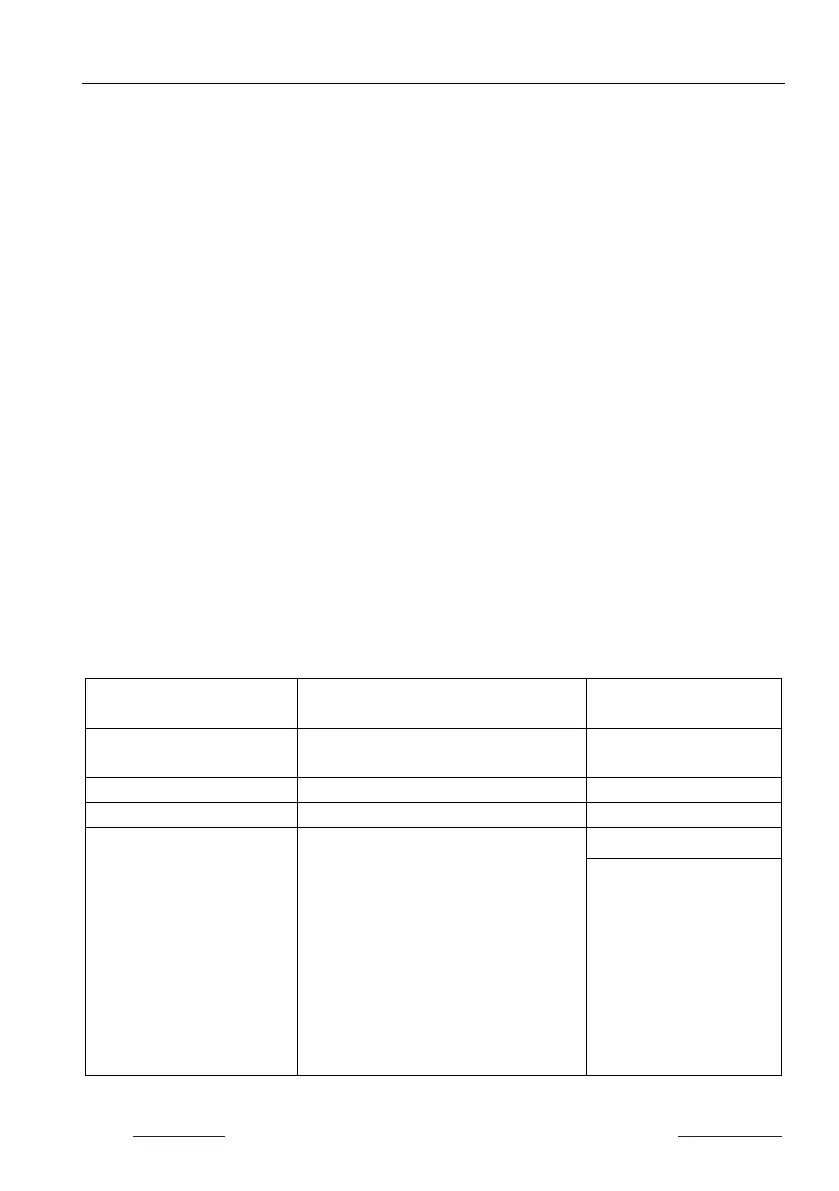
Command Description
Command & Feedback
#GET_FIRMWARE_VERSI
Get the firmware version @V1.0.0
#HELP [PARAM]
Get the command details
[PARAM]=Any command (Random
commands and without symbol “#”, it
means the feedback command is
described its usage).
[PARAM]=Null (Report all commands).
#HELP SET_AV
@Select the input source.
#SET_AV INPARAM TO
OUTPARAM
INPARAM = 1 ~ 4
1 - HDMI 1
2 - HDMI 2
3 - HDMI 3
4 - HDMI 4


 To Next Page