4K 4x1 Seamless Switcher with Multi-view
Website: www.seada.co.uk 22 / 33 E-mail: sales@seada.co.uk
8.3 Audio Switching
The ending mark of command is “<CR><LF>”.
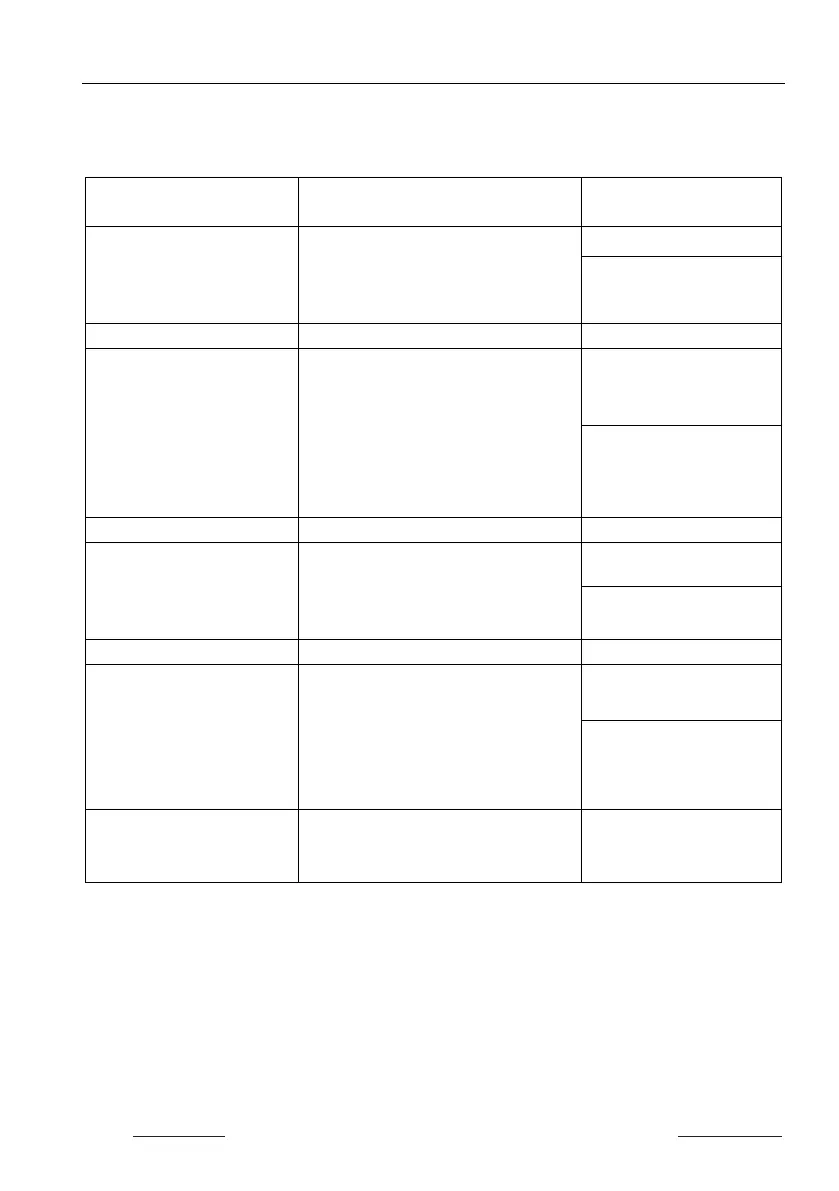
Command Description
Command & Feedback
#SET_AUDIO_MUTE
[PARAM]
Mute/Unmute audio.
[PARAM]=0~1.
0 - Disable
#SET_AUDIO_MUTE 1
@AUDIO_MUTE 1
Get the audio mute status.
#SET_AUDIO_SRC
[PARAM]
Set the audio output source.
[PARAM]=1 ~ 5
1 - HDMI 1
2 - HDMI 2
3 - HDMI 3
4 - HDMI 4
#SET_AUDIO_SRC 1
@AUDIO_SRC 1
Get the audio output source.
#SET_AUDIO_MIX
[PARAM]
Enable/Disable audio mix.
[PARAM]=0~1.
0 - Disable
#SET_AUDIO_MIX 1
@AUDIO_MIX 1
#SET_FULL_SWAUD
[PARAM]
Enable/disable whether the audio
follows the video switching when full-
screen mode is selected.
[PARAM]=0~1.
0 - Disable
#SET_FULL_SWAUD 1
@FULL_SWAUD 1
#GET_FULL_SWAUD
Get whether the audio follows the
video switching when full-screen mode
@FULL_SWAUD 1


 To Next Page