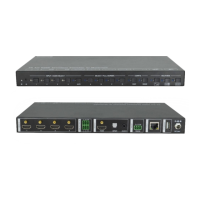
4K 4x1 Seamless Switcher with Multi-view
Website: www.seada.co.uk 4 / 33 E-mail: sales@seada.co.uk
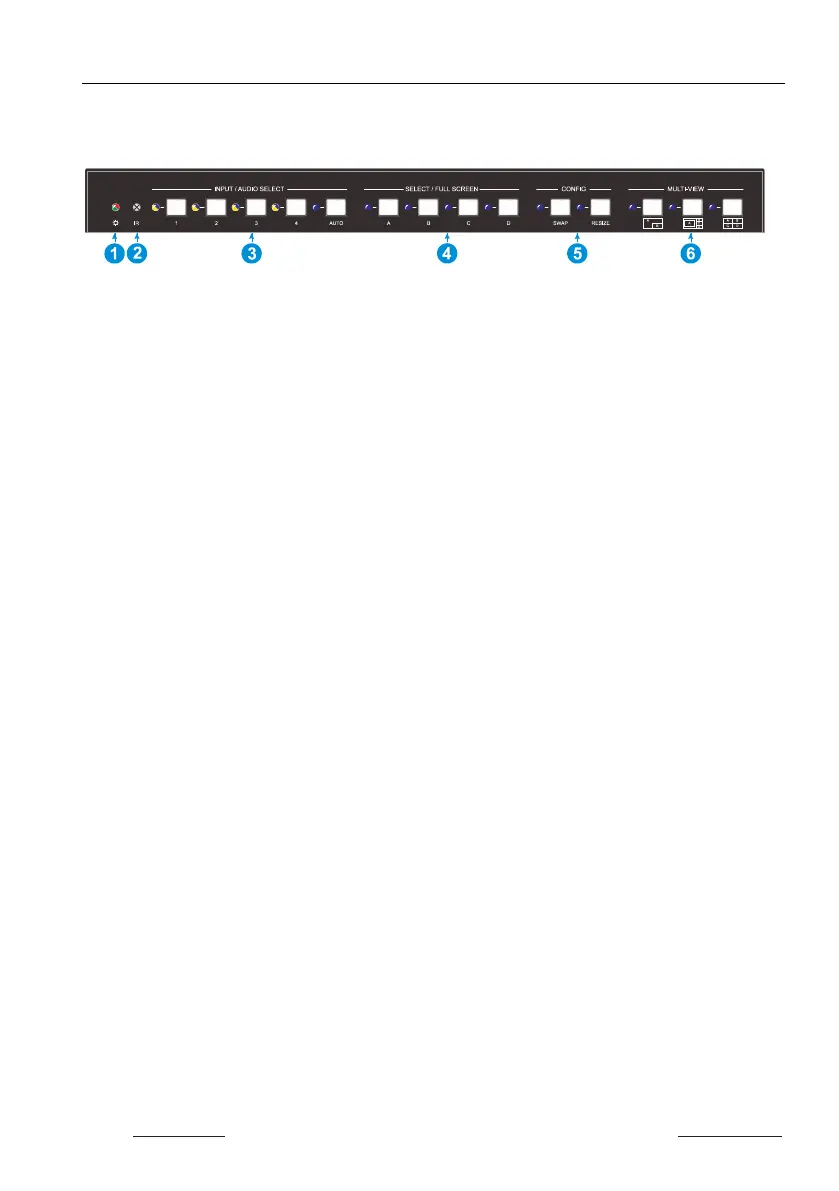
3. Panel Description
3.1 Front Panel
POWER LED: The LED illuminates green when it is working, and the LED
illuminates red when it is standby.
IR LED: Built-in IR sensor, receive IR signal sent from IR remote.
INPUT/AUDIO SELECT:
Press 1~4 button to select corresponding HDMI input, its LED illuminates
yellow when there is a video signal, it will illuminate blue when the video signal
is chosen as input source.
In multi-view mode, press and hold 1~4 button at least 3 seconds to select the
corresponding HDMI audio source for output, and its LED will illuminate blue,
and then it will go out when no operation within 3 seconds.
Press AUTO button to enable auto switching mode, its LED will illuminate blue.
In multi-view mode, press and hold AUTO button at least 3 seconds to select
LINE audio for output.
FOUR SELECT/FULL SCREENS: Press the buttons to select corresponding input
source as Full Screen, its LED illuminates blue when it is selected.
CONFIG: Press SWAP button to select window display screen anti-clockwise
direction. its LED illuminates blue when it is selected. Press the RESIZE button to
readjust the windows size, its LED illuminates blue when it is pressed.
THREE MULTI-VIEWS: Press the buttons to choose different available Multi-view
modes, its LED illuminates blue when it is selected
.


 To Next Page