Maintenance • 81
10.MAINTENANCE
Your seca scales leave the factory with an accuracy
greater than ±0.3%. To preserve this level of accuracy
the product must be set up carefully and serviced regu-
larly. We recommend having it serviced every 3 to 5
years depending on how often the scales are used.
ATTENTION!
Incorrect measurement due to improper
maintenance
–Make sure that maintenance and repair are
only carried out by an authorised service
partner.
–You can find your local service partner at
www.seca.com or just send an e-mail to
service@seca.com.
11.TECHNICAL DATA
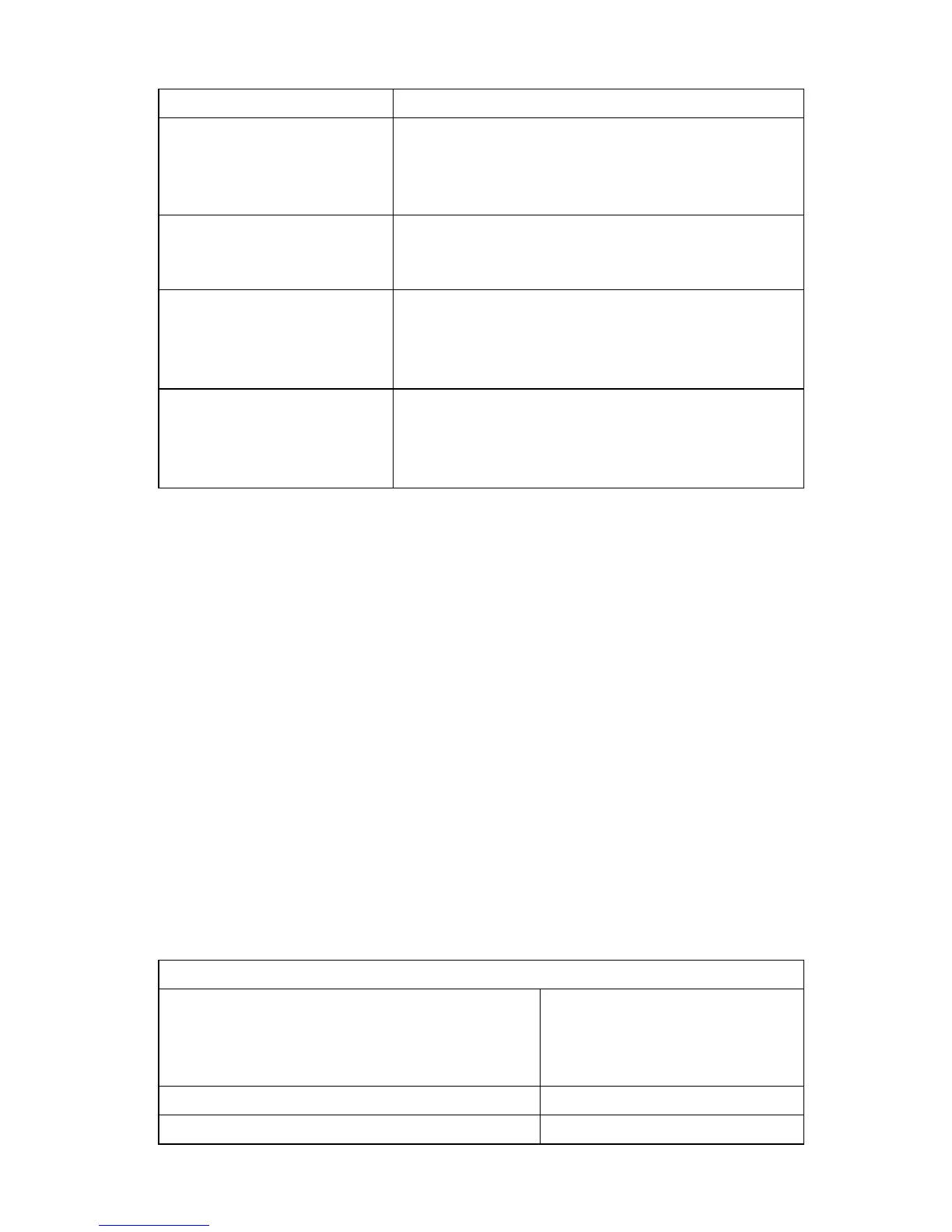
… Er:X:12 is displayed?
The scales have been switched on with too great
a load.
-Reduce load on scales
-Restart scales
…
Er:X:16 is displayed?
Oscillation of the scales has occurred, preventing
determination of the zero point.
-Restart scales
… when the Enter key
(send/print) is pressed
and Er:X:71 is dis-
played?
Data transmission not possible, wireless module
is disabled.
-Activate wireless module (see "Activate
wireless module (SYS)" on page 75).
… when the Enter key
(send/print) is pressed
and
Er:X:72 is dis-
played?
Data transmission not possible, no wireless group
set up.
-Set up wireless group (see "Set up wireless
group (Lrn)" on page 75).
Malfunction Cause/Remedy
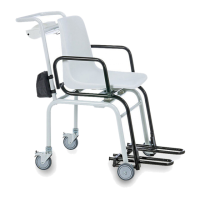
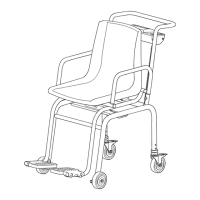
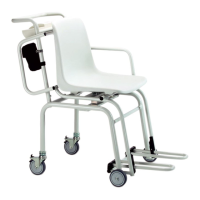
Technical data for seca 954
Dimensions
•Depth
•Width
•Height
810 mm
565 mm
920 mm
Weight approx. 25 kg
Temperature range +10° C to +40° C


 To Next Page