EasyManua.ls Logo

SeeedStudio reComputer R1000 - Page 30

SeeedStudio reComputer R1000
46 pages
Print Icon
To Next Page IconTo Next Page
To Previous Page IconTo Previous Page
Loading...
reComputer R1000
© 2009-2024 Seeed Technology Co.,Ltd. All rights reserved.
26
cat /dev/ttyAMA2
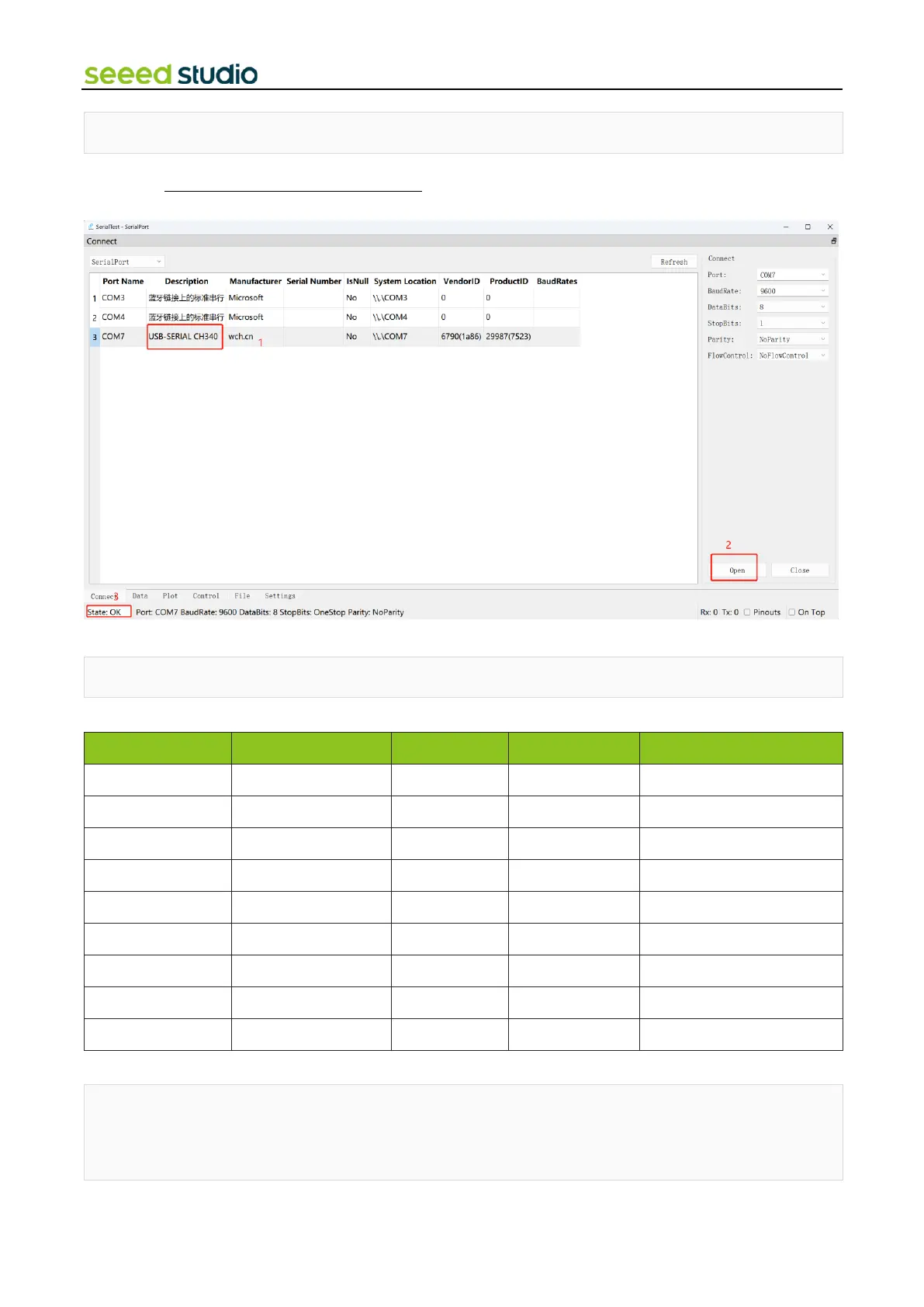
Then send some data in the serial debugging tool (can choose any useful tool, download
recommend:https://sourceforge.net/projects/serialtest/) of your computer, you can observe the data in the terminal window
of reComputer R1000.
If you want to send data through port 485 of reComputer, set the level of gpio6 to high.
raspi-gpio set 6 dh
These are the pins related to the 485 interface of reComputer for the data table.
RS485
RS485_POWER_EN
OS device file
P14
default(High)
TX5
/dev/ttyAMA5
GPIO12
RX5
GPIO13
TX2
ID_SD
/dev/ttyAMA2
GPIO0/ID_SD
RX2
ID_SC
GPIO1/ID_SC
TX3
/dev/ttyAMA3
GPIO4
RX3
GPIO5
RS485_1_DE/RE
(Hight/DE || Low/RE)
/dev/ttyAMA2
GPIO6
default Low
RS485_2_DE/RE
/dev/ttyAMA3
GPIO17
default Low
RS485_3_DE/RE
/dev/ttyAMA5
GPIO24
default Low
You can test sending and receiving data through the 485 interface with this script.
import serial, time
import os
ser = serial.Serial()

Related product manuals