www.seuservice.com
50
(2) ROLL VALVE & ETR CHECK
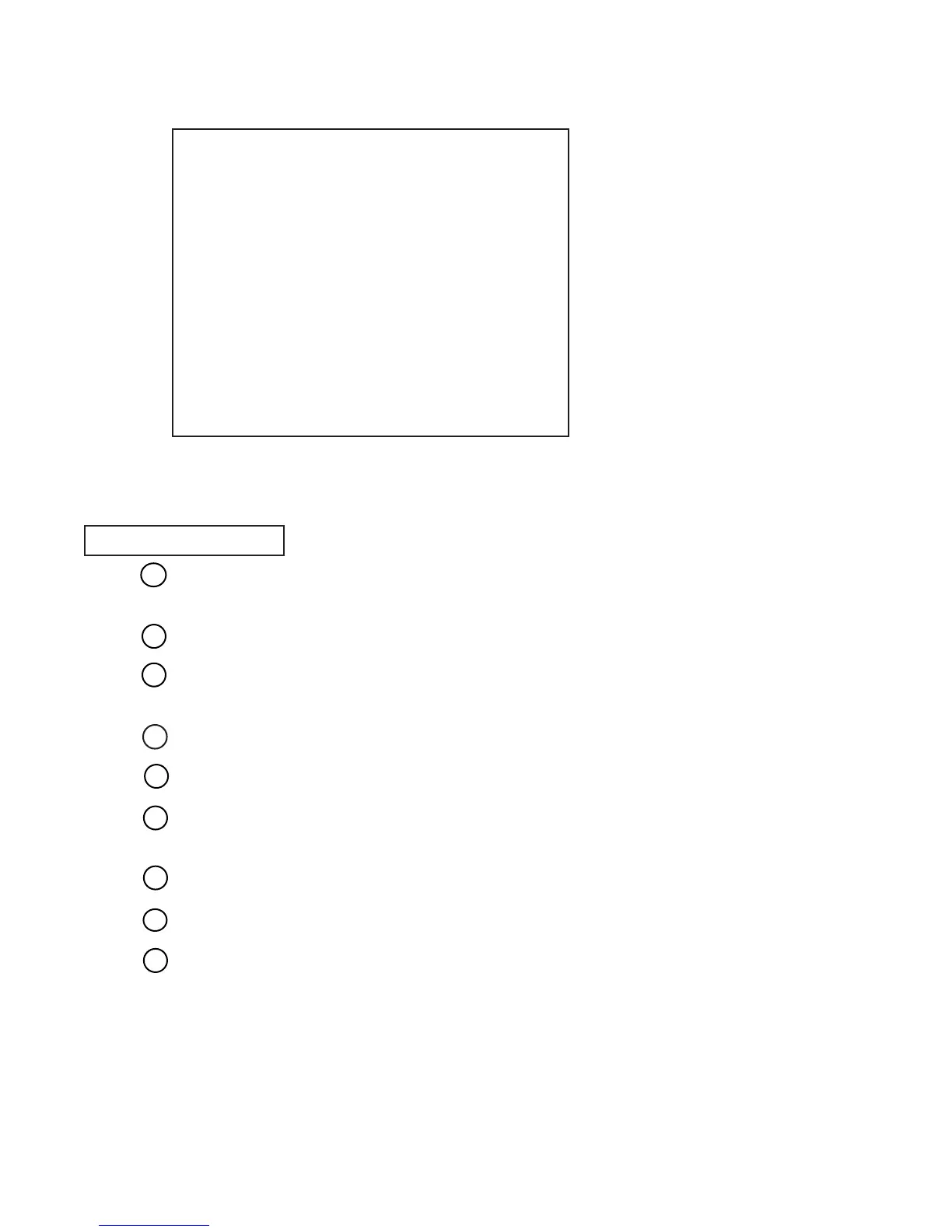
FIG. 9. 3 f c ROLL VALVE & ETR CHECK Screen
In the VALVE TEST MENU, press the SERVICE Button and bring the arrow to ROLL
VALVE & ETR CHECK.
Press the TEST Button to have the PITCH VALVE TEST screen appear.
Turn the Handlebars to the right, and the Ride is subject to the centering force from the right
only.
Turn the Handlebars to the left, and the Ride is subject to the centering force from the left only.
Position the Handlebars in the center to stop the centering movement.
Gripping the Throttle Lever during áBÅ`áD above increases the air pressure and releasing the
Throttle Lever decreases the air pressure.
During áBÅ`áE, check the functioning of each Air Valve.
Press the TEST Button to return to the VALVE TEST Menu.
Choose EXIT and press the TEST Button to return to the Game Test Menu screen.
TEST PROCEDURE
1
2
3
4
5
6
7
8
9
ROLL VALVE & ETR CHECK
ROLL VALVE ON
RIGHT VALVE ON
LEFT VALVE ON
ROLL ETR F9H
ROLL VOLUME 80H
PRESS TEST BUTTON TO EXIT


 To Next Page