13
English
PLAYING A DISC
PLAYING A DISC
Some playback operations of Blu-ray Disc, DVDs and VIDEO CDs may be intentionally
xed by software producers. Since this player plays Blu-ray Disc, DVDs and VIDEO CDs
according to the disc contents the software producers designed, some playback features
may not be available. Also refer to the instructions supplied with the discs.
Getting Started
Turn on the power of the TV, amplier and any other devices which are connected to the
Blu-ray player. (Change the VIDEO mode to suit the Blu-ray player, and check that the
AUDIO input is correct.)
1. Press the button to turn the player on.
2. Press the button to open the DISC TRAY.
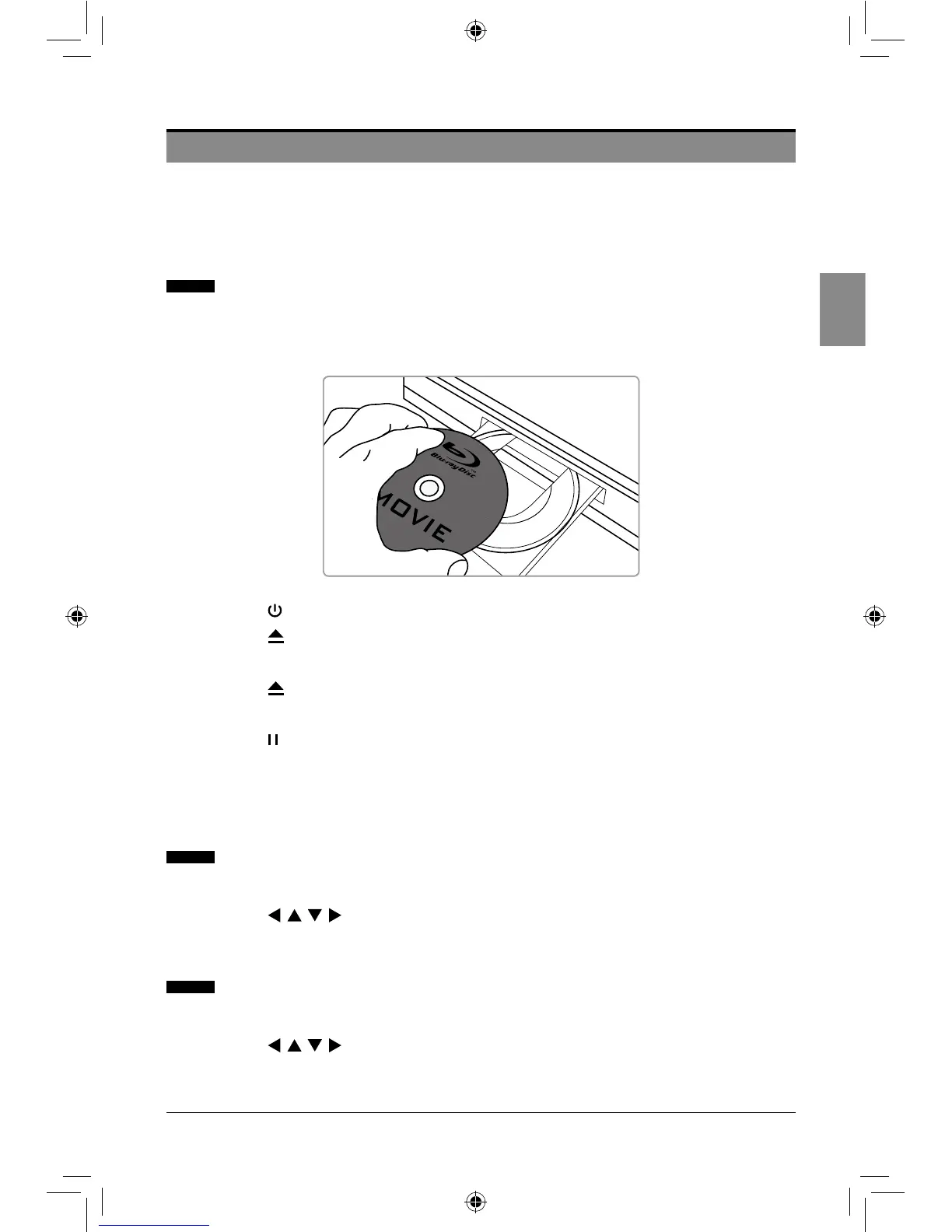
3. Load a disc into the DISC TRAY with label side up.
4. Press the button to close the DISC TRAY.
5. The player will read and play the loaded disc automatically.
6. Press the button to stop playback.
Some discs contain their own menus, such as a guidance which describes the contents of
the disc or a selection menu for scene, sound, language and other customized settings.
Depending on the disc, the menu content may differ.
Using the Popup / Title Menu
1. Press the POPUP/TITLE button to display the popup/title menu during playback.
2. Press the buttons to make the desired selections, and then press the
ENTER button.
Using the DVD Menus
1. Press the MENU button to display the DVD menu during playback.
2. Press the buttons to make the desired selections, and then press the
ENTER button.
SEIKI Blu-ray Manual V01.indd 13 2012-8-14 15:02:06



 To Next Page