18
English
PLAYING FROM A USB DEVICE
PLAYING FROM A USB DEVICE
You can play video/music/photo les in the connected USB storage device.
1. In stop mode, connect the USB storage device to the USB port on the front panel of
the player.
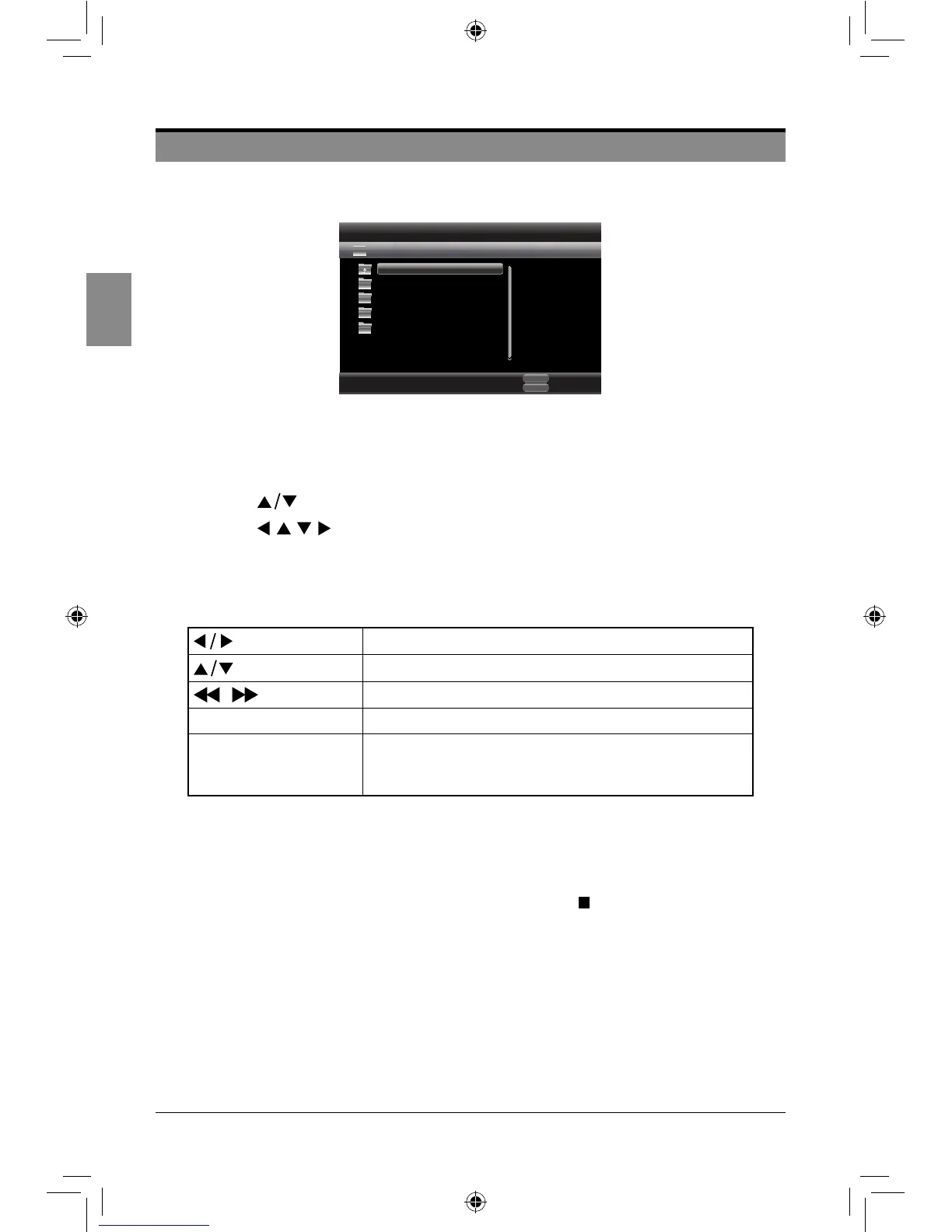
2. Press the MEDIA CENTER button to display the media center menu.
3. Press the buttons to select the USB, and then press the ENTER button.
4. Press the buttons to select the desired Video, Music or Photo, and then
press the ENTER button to start playback.
5. For playing back video or music les, refer to pages 13-17.
6. For playing back photo les, refer to the following tips.
Rotate the picture clockwise/anticlockwise.
Flip the picture horizontally/vertically.
/ Select the slide show speed: Slow/Middle/Fast.
DIGEST Return to the picture list.
OSC
Adjust the settings through the OSC menu, such as
selecting the slide show mode, moving directly to the
desired picture etc.
Notes:
• Fileformatssupportedbythisplayer:DAT,AVI,MP4,MPEG,andJPEG.
• AcertainUSBstoragedevicesmaynotbecompatiblewiththisplayer.
• Ifyouwanttoswitch“Disc”modetoUSBmode,pressthe buttonandthenpressthe
MEDIA CENTERbutton.
• IfyouinsertthediscwhenplayingUSBstoragedevice,thedevicemodeischangedto
“Disc”automatically.
Exit
MEDIA
CENTER
Media Center
Edit Menu
POPUP
USB 1
Item 0/4
Type: Folder
..
Photo
Music
Video
AVCHD
SEIKI Blu-ray Manual V01.indd 18 2012-8-14 15:02:09



 To Next Page