16
English
Zoom Playback
Images can be zoomed in or zoomed out on the screen to your preference.
1. Press the ZOOM button repeatedly to cycle the zoom mode: ZOOM 2 /ZOOM 3 /
ZOOM 4 / ZOOM 1/2, ZOOM 1/3, ZOOM1/4, OFF.
2. Press the buttons to move the enlarged or shrunken image.
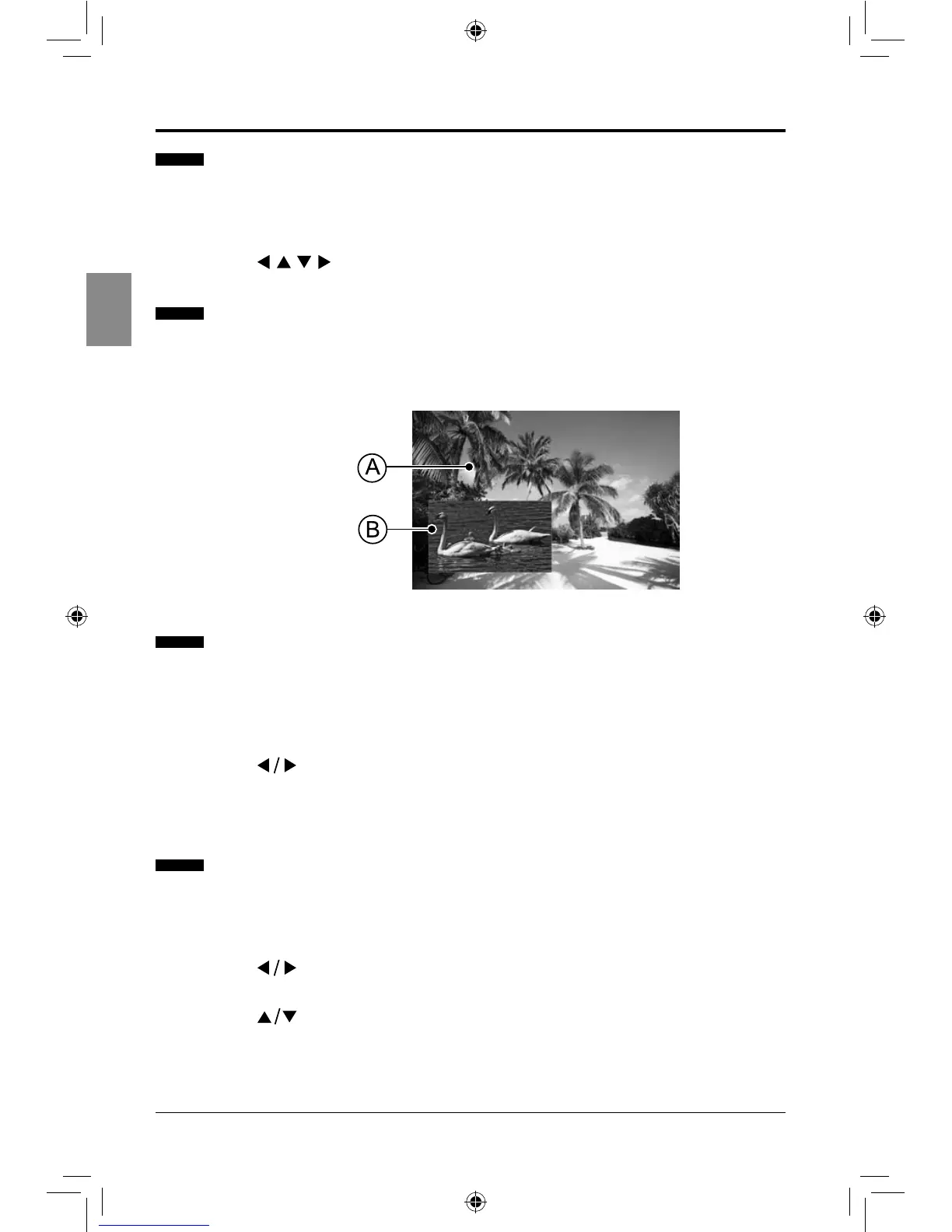
Setting Bonusview (BD only)
BONUSVIEW feature allows you to view additional content (such as commentaries,
interviews, rehearsals etc.) in a small screen window while the movie is playing. This
function is only available if the disc has the bonusview feature.
Creating and Using Bookmarks (for DVD & BD only)
1. Press the BOOKMARK button to mark the current point during playback. You can
create 12 bookmarks altogether.
2. Press and hold the BOOKMARK button for more than 5 seconds to display the saved
bookmark menu.
3.
Press the buttons to select the desired bookmark and then press the ENTER
button to start playback.
4. Press the CLEAR button to delete the saved bookmark.
Selecting Specic Title/Chapter/Track/Time to Start Playback
You can check the information about the disc and select specic title, chapter, track or time
to start playback.
1. Press the GOTO button during playback to display the editable menu.
2.
Press the buttons to select Title, Chapter, Track, or Playing Time and then press
the ENTER button.
3.
Press the buttons to make the desired selections, and then press the ENTER
button to start playback.
PLAYING A DISC
Main Playback Window
Bonusview Window
SEIKI Blu-ray Manual V01.indd 16 2012-8-14 15:02:08



 To Next Page