14
English
PLAYING A DISC
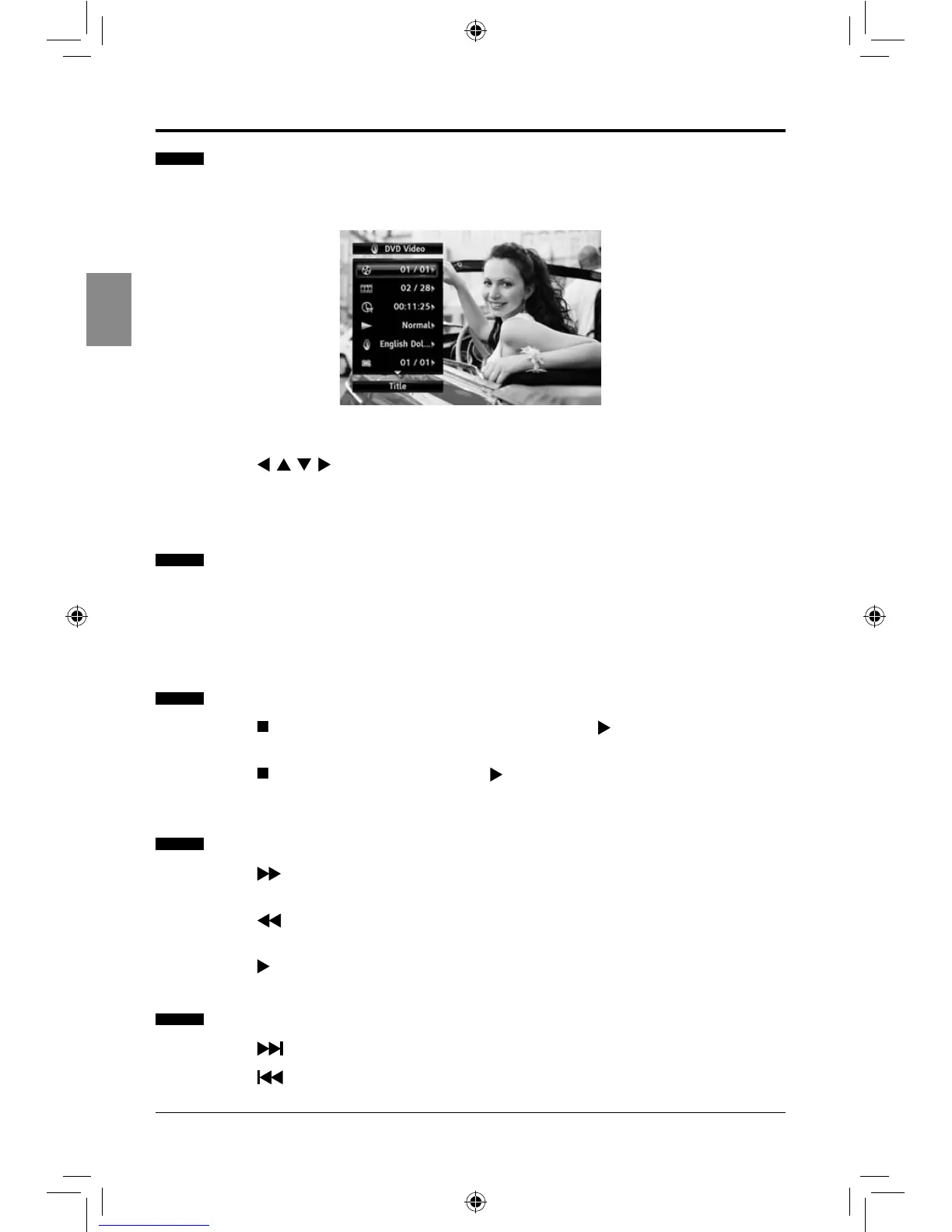
Using the OSC (on-screen control) Menu
Some basic operations can be done through the on-screen controls, such as selecting the
desired title, chapter, audio language etc.
1. Press the OSC button to display the on-screen control menu during playback.
2. Press the buttons to make the desired selections, and then press the
ENTER button.
3. Press the OSC button again to exit the menu.
Displaying the Disc Information
You can check the disc information during playback.
1. Press the INFO button to show the disc information (Disc type, total chapters, current
chapter, repeat mode, elapsed time etc.)
2. Press the INFO button again to exit the display.
Resuming Playback from the Point Where Playback Stopped
1. Press the button once during playback, and then press the button. Playback will
start from the point where the previous playback session was stopped.
2. Press the button twice, and then press the button. Playback will start from the
beginning of the loaded disc.
Fast Forward/Reverse
1. Press the button repeatedly to speed up forward ×1/×2/×3/×4/×5/PLAY during
playback.
2. Press the button repeatedly to speed up backward ×1/×2/×3/×4/×5/PLAY during
playback.
3. Press the button to return to normal playback speed.
Skipping Chapters
1. Press the button to move to the next chapter during playback.
2. Press the button once to move to the beginning of the current chapter. One more
press makes it move to the beginning of the previous chapter.
SEIKI Blu-ray Manual V01.indd 14 2012-8-14 15:02:06



 To Next Page