19
English
ADJUSTING THE SETUP ITEMS
ADJUSTING THE SETUP ITEMS
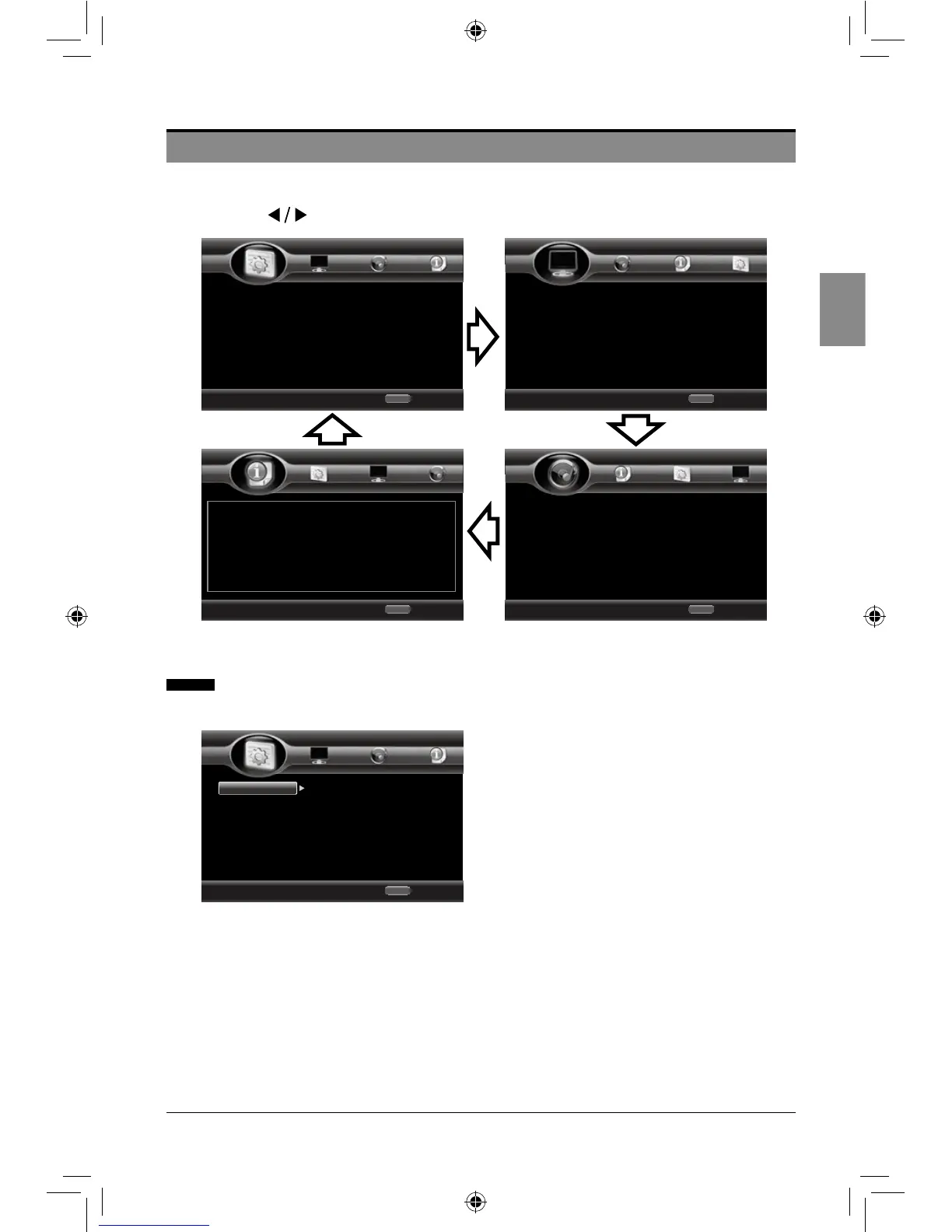
• Press the SETUP/HOME button on the remote control to display the setup menu.
• Press the buttons to navigate and select the desired menu.
General Settings
1. System
• Upgrade:
a. Disc: upgrade from the disc containing
the upgrade le.
b. USB Storage: upgrade form the USB
storage device containing the upgrade le.
Notes:
a.Topreventpossibledamageofthis
playerdonottakeoutthedisc,removethe
USBdevice,orturnoffthepowerduring
theupdateprocess.
b.Unnecessaryupdatesarenot
encouraged,malfunctionmightoccur.
• Easy Setup: Run the basic setup wizard
to customize TV settings (select OSD
language, TV resolution and TV aspect
ratio.)
2. Language
• Screen Saver: Select to turn On/Off
screen saver.
• Disc Auto Playback: Select to turn
On/Off disc auto playback.
• Load Default: Restore the player to
its default settings.
Use cursor key to move focus, use
“Enter” key to select
Exit
HOME
System
Language
Playback
Security
Home Menu
--- General Setting ---
Use cursor key to move focus, use
“Enter” key to select
Exit
HOME
TV
Video Process
Motion Video...
Home Menu
--- Display Setting ---
Use cursor key to move focus, use
“Enter” key to select
Exit
HOME
Audio Output
Speaker Sett...
Home Menu
--- Audio Setting ---
Use cursor key to move focus, use
“Enter” key to select
Exit
HOME
Software Version : BDP196_2CH_120704
Home Menu
--- System Information ---
Use cursor key to move focus, use
“Enter” key to select
Exit
HOME
System
Language
Playback
Security
Screen Saver
Disc Auto Playback
Load Default
Upgrade
Easy Setup
Home Menu
--- General Setting ---
On
On
More...
More...
More...
SEIKI Blu-ray Manual V01.indd 19 2012-8-14 15:02:11



 To Next Page