15
English
PLAYING A DISC
Repeat
1. Press the REPEAT button to select the repeat mode. A single title, chapter, track or the
entire disc can be played back repeatedly.
• BD: Repeat CH / Repeat TT / Repeat Off.
• DVD: Repeat CH / Repeat TT / Repeat All/ Repeat Off.
• CD/VCD: Repeat Track / Repeat All / Repeat Off.
A-B Repeat
You can dene a section to be played back repeatedly.
1. Press the A-B button to select the starting point (A) during playback.
2. Press the A-B button again to select the ending point (B). The selected section will be
played back repeatedly.
3. Press the A-B button again to cancel repeat playback and return to normal play.
Program Playback
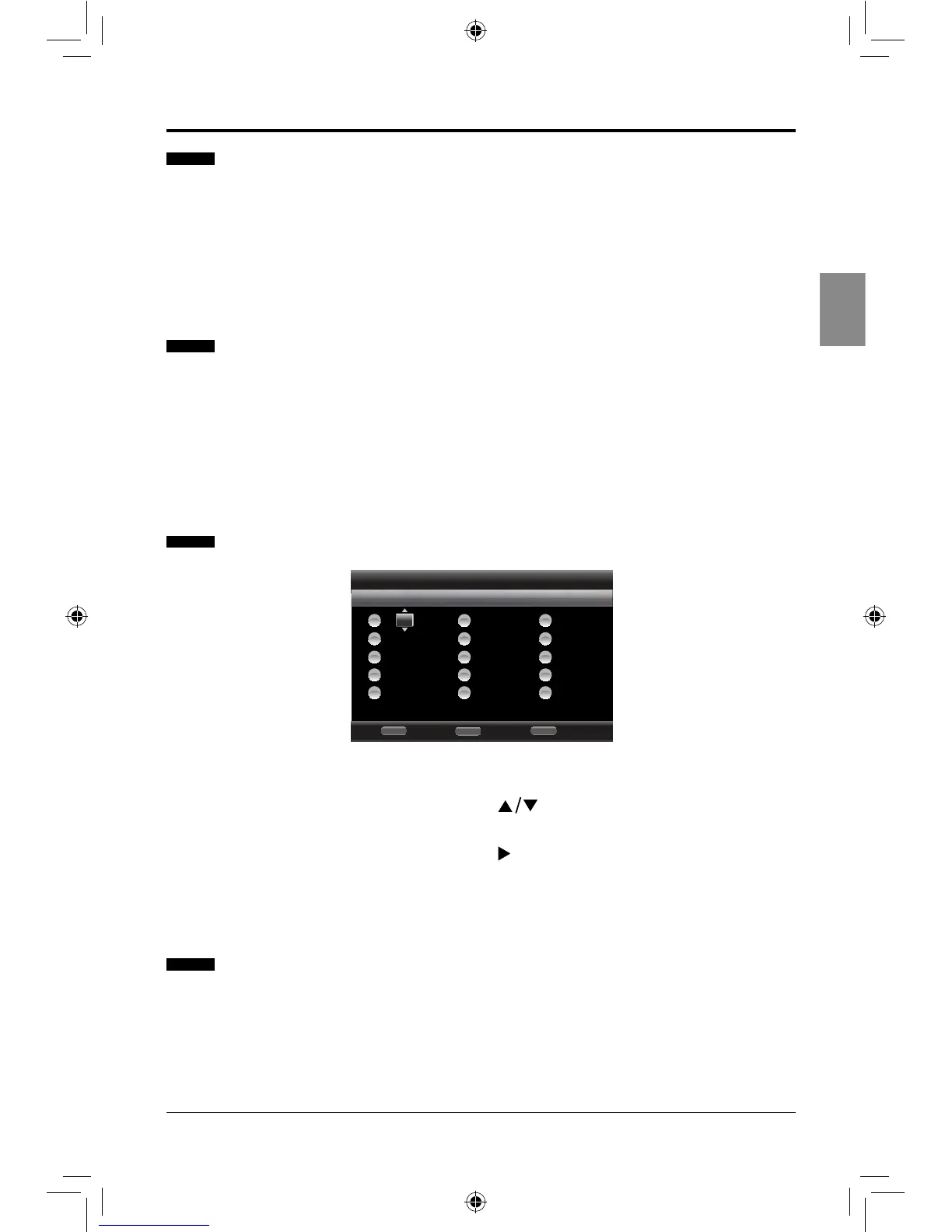
1. Press the PROG button to display the program menu.
2. Press the ENTER button and then press the
buttons to select the desired title,
chapter or track number.
3. Press the ENTER button and then press the button to start playback in the
programmed order.
4. Press the CLEAR button to delete the entered program.
Random Playback (for CD, DVD only)
1. Press the RANDOM button repeatedly during playback to select random mode:
Random CH / Random TT / Random All / Normal and then random playback will start
automatically.
Note: Randomplaybackisnotavailableduringprogramplayback.
Program
Stop
RETURN
Page: 1
DVD Title Total: 55
Clear
CLEAR
Play
POPUP
-- -- -- -- --
-- -- -- -- --
-- -- -- -- --
-- -- -- -- --
-- -- -- -- --
6
7
8
9
10
-- -- -- -- --
-- -- -- -- --
-- -- -- -- --
-- -- -- -- --
-- -- -- -- --
11
12
13
14
15
TT: 008 CH: 001
-- -- -- -- --
-- -- -- -- --
-- -- -- -- --
-- -- -- -- --
1
2
3
4
5
SEIKI Blu-ray Manual V01.indd 15 2012-8-14 15:02:07



 To Next Page