22
English
ADJUSTING THE SETUP ITEMS
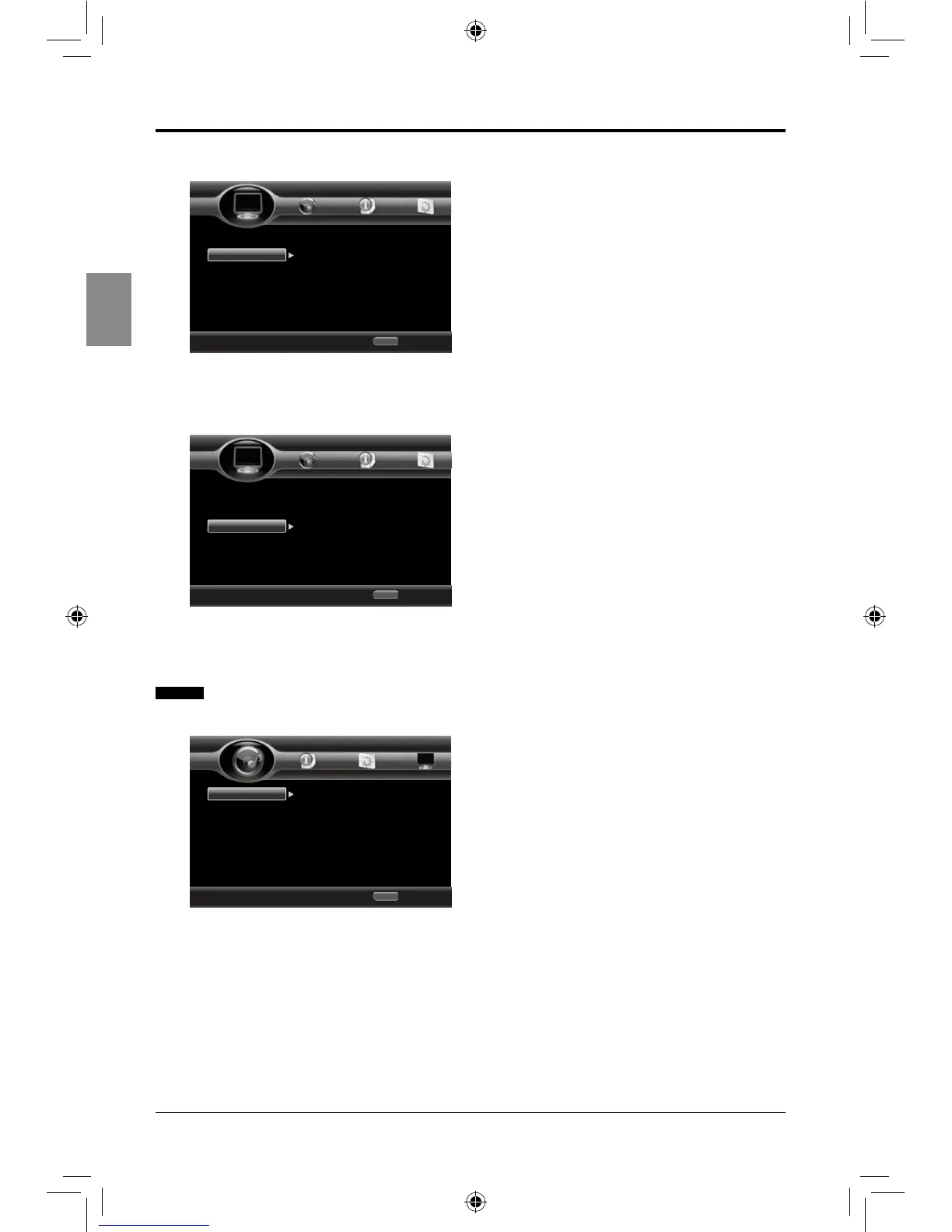
2. Video Process
• Sharpness: Adjust the sharpness of
video: High / Middle / Low.
3. Motion Video Process
• Video Mode: Select the video mode:
Standard / Vivid / Smooth.
Audio Settings
1. Audio Output
• HDMI: Select the HDMI audio output
mode: Bitstream / PCM / Reencode / Off.
• Down-samp: Select down-sampling:
48k/96k/192k. (e.g. if you select 96kHz,
when the Amplier connected to the player
is not 96kHz compatible. 96kHz signals
will be down converted to 48kHz.)
• DRC: Select the dynamic range control:
On / Off / Auto. (this is only active when a
Dolby Digital signal is detected)
Use cursor key to move focus, use
“Enter” key to select
Exit
HOME
TV
Video Process
Motion Video...
Sharpness
Home Menu
--- Display Setting ---
Use cursor key to move focus, use
“Enter” key to select
Exit
HOME
TV
Video Process
tion Video Pro
Video Mode
Home Menu
--- Display Setting ---
Use cursor key to move focus, use
“Enter” key to select
Exit
HOME
Audio Output
Speaker Sett...
HDMI
Down_samp
DRC
PCM
48K
Off
Home Menu
--- Audio Setting ---
SEIKI Blu-ray Manual V01.indd 22 2012-8-14 15:02:15



 To Next Page