23
English
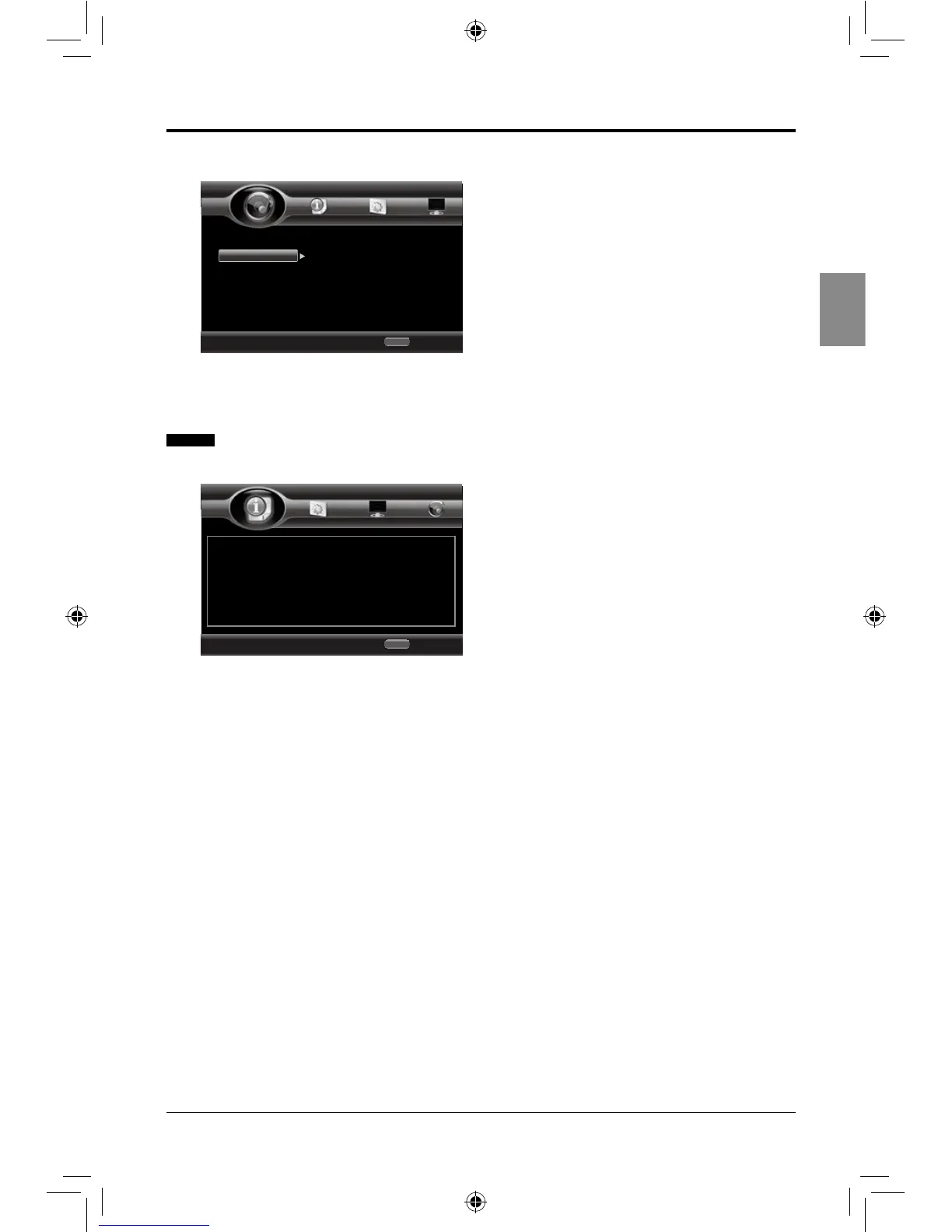
2. Speaker Setting
• Conguration: Speaker conguration: 2.×
• Test Tone: Allow you to test the tone of
both left and right speakers.
System Information
• Software Version: Display the current
software version. (Information in the
picture is for reference only).
ADJUSTING THE SETUP ITEMS
Use cursor key to move focus, use
“Enter” key to select
Exit
HOME
Audio Output
Speaker Settin
Configuration
Test Tone
2.x
More...
Home Menu
--- Audio Setting ---
Use cursor key to move focus, use
“Enter” key to select
Exit
HOME
Software Version : BDP196_2CH_120704
Home Menu
--- System Information ---
SEIKI Blu-ray Manual V01.indd 23 2012-8-14 15:02:16



 To Next Page