7
English
STOPWATCH
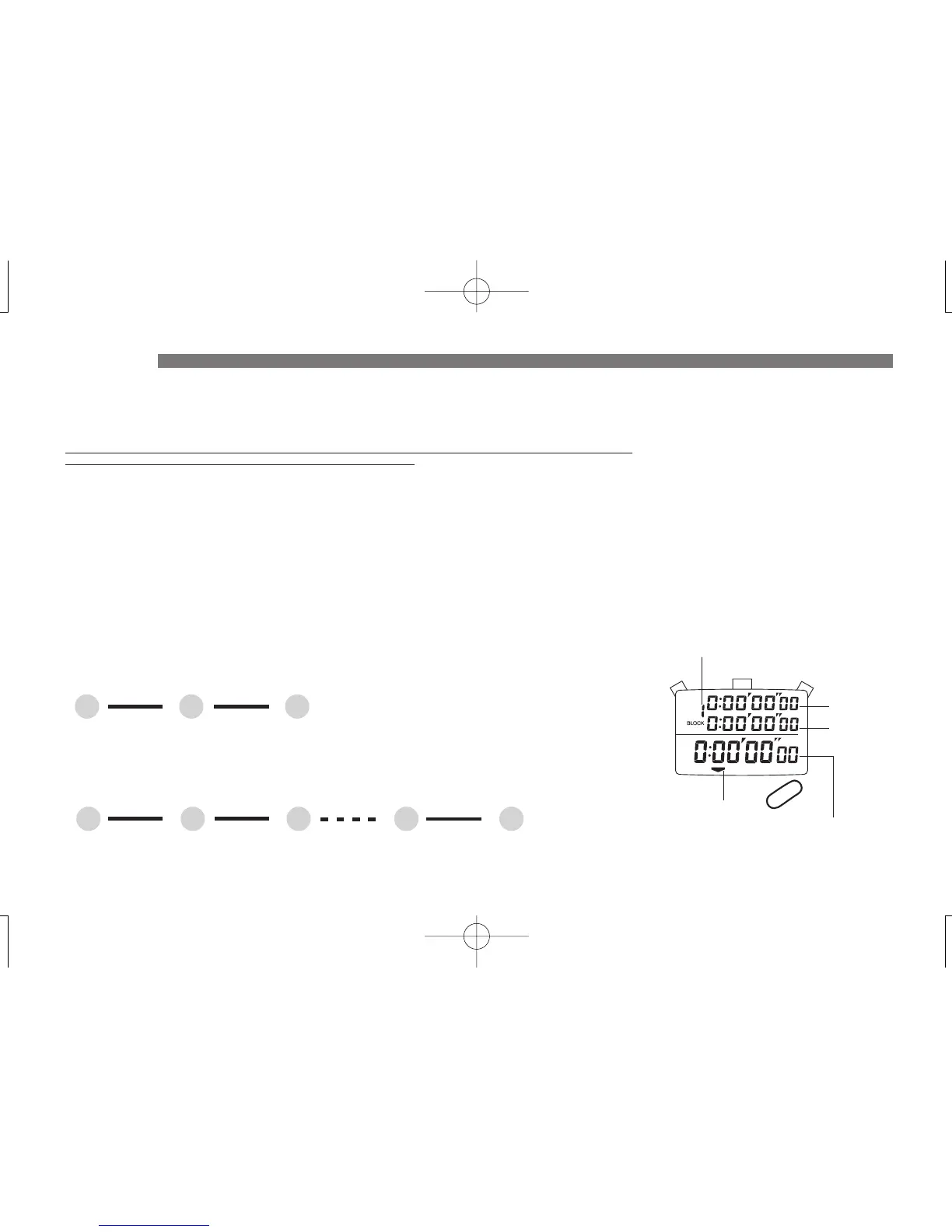
● Before using the stopwatch, be sure to reset the digits to “00.”
When the stopwatch is stopped, press “B.”
When the stopwatch is counting, press “A” and then press “B.”
1. STANDARD MEASUREMENT
A BA
START
STOP RESET
▼
▼
2. ACCUMULATED ELAPSED TIME MEASUREMENT
A AA
START
STOP RESTART
A
STOP
B
RESET
▼
▼
▼
▼
* Restarting and stopping the stopwatch can be repeated by pressing “A.”
● Press “D” to show the STOPWATCH 1 (Accumulated elapsed time) display.
● Press “D” to show the STOPWATCH 1 (Accumulated elapsed time) display.
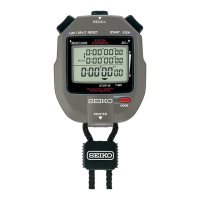
• Up to 300 lap/split time data can be stored in memory and recalled during or after measurement.
• The stopwatch can measure and display the lap/split time that exceeds its limit of 300, but it cannot
store the data in memory for the 301st measurement data and afterward.
* When a new measurement is commenced while the stopwatch is in the single memory mode, the lap/split time data
obtained from the previous measurement will be automatically deleted.
• For professional level use, the default single memory mode can be changed to the block memory
mode, in which commencement of a new measurement will not erase the previous measurement
data. The block memory mode is useful for saving records or comparing data.
➔ Refer to MEMORY RECALL FUNCTION---BLOCK MEMORY MODE on page 10.
Block No.
Lap time
Split time
A
B
C
D
STOPWATCH display indicator
Accumulated elapsed time /
lap time in progress


 To Next Page