GB
Programming
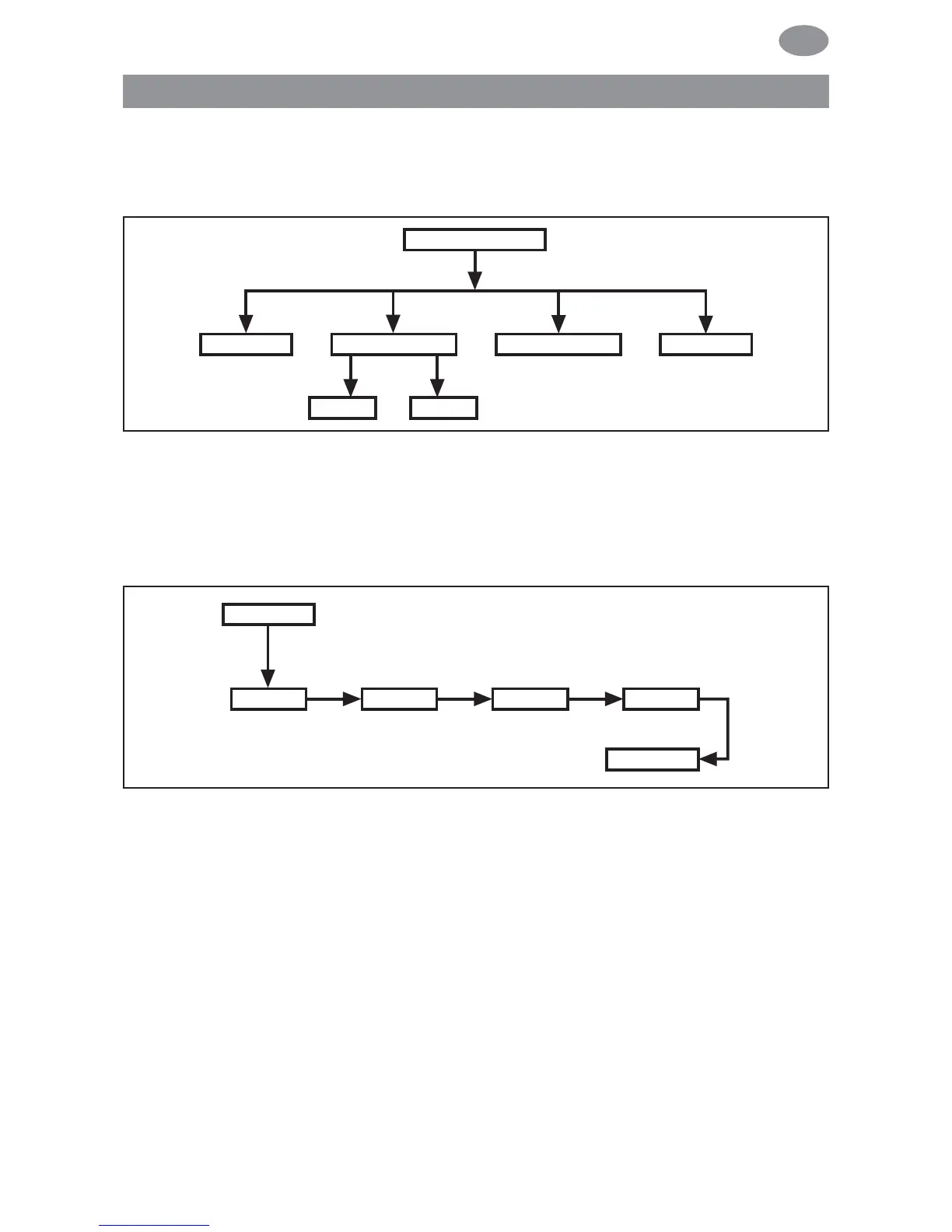
OPERATING MODE (Overview of the menu)
1. Press the MENU button until TIME/DATE appears.
2. To select further menus, press the +/- buttons.
3. Press the MENU button to switch to operating mode.
TIME/DATE (to set the time and date)
1. Press the MENU button until TIME/DATE appears.
2. By pressing OK, you get to the time menu level.
3. Now set the current time using the +/- buttons.
4. If the time is set correctly, confirm by pressing OK.
5. Repeat the above procedure for the settings YEAR, MONTH
and DAY.
6. Press the MENU button to switch to operating mode.
Programming
61



 To Next Page