GB
SETTING
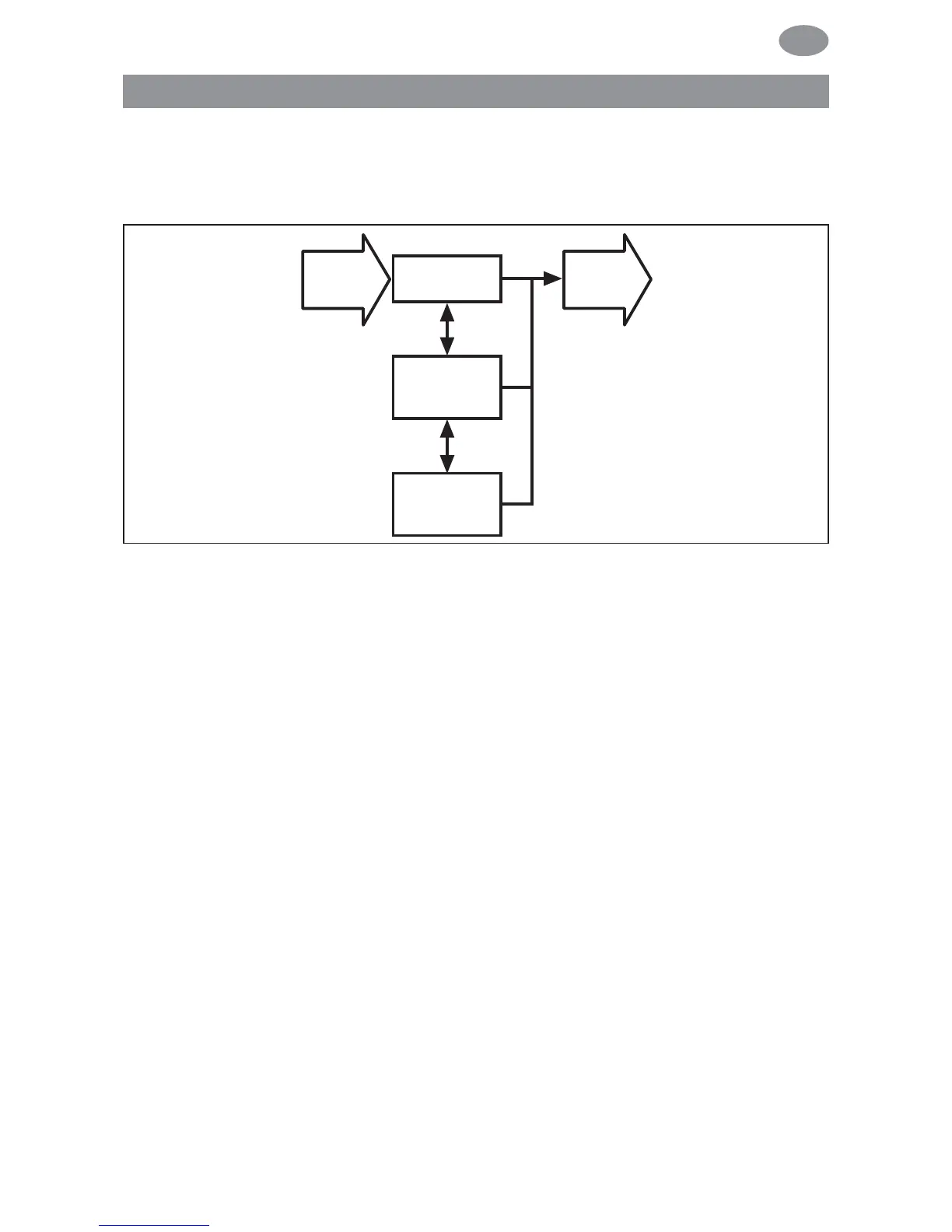
PROG 2 END LIMIT (Time/position programming)
Note: This dialog window will only be displayed if a time is set in
PROG 2.
1. You have confirmed the PROG 1 END LIMIT menu level.
PROG 2 END LIMIT will appear.
2. You can select PROG 2 END LIMIT, PROG 2 INTERMEDIATE
POSITION and PROG 2 VENTILATION/TILT using the
+/- button.
3. Confirm your selection by pressing OK.
4. The function PROG 2 POSITION has now been set.
Please read on for further programming options using the
SETTING menu.
Programming
71



 To Next Page