GB
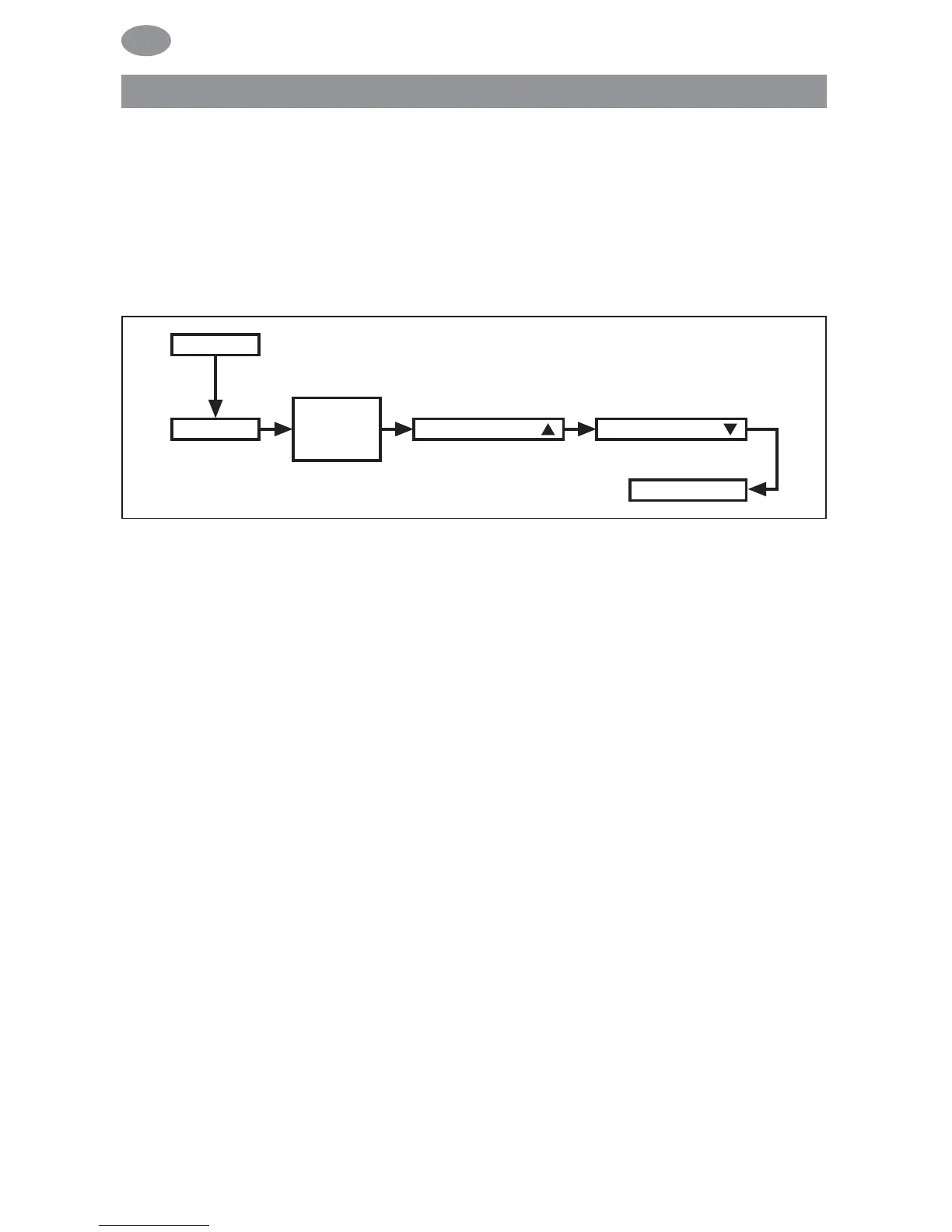
PROG 1/ASTRO WEEK
(Astro function for week + blocking time ▲▼)
PROG 1/ASTRO BLOCK
(Astro function for block 1/2 + blocking time ▲▼)
PROG 1/ASTRO INDIVIDUAL
(Astro function for individual + blocking time ▲▼)
1. Press the MENU button.
2. To select the PROGAMME menu, press the + button until
PROGAMME appears.
3. Confirm by pressing OK. PROG 1 appears.
4. Confirm by pressing OK.
5. Press the + button until the ASTRO menu appears.
6. Confirm by pressing OK.
7. Now select the PROG 1 ASTRO function you require using the
+/- buttons:
ASTRO WEEK
Press OK for the WEEK menu level (1–7). All further entries
now refer to every day of the week.
ASTRO BLOCK
Press OK for the BLOCK menu level (BLOCK 1 1–5,
BLOCK 2 6, 7). All further entries now refer to BLOCK 1 (1–5)
and BLOCK 2 (6, 7).
ASTRO INDIVIDUAL
Press OK for the INDIVIDUAL menu level (1, 2, 3, 4, 5, 6, 7).
All further entries now refer to each individual day of the
week.
Programming
62



 To Next Page