GB
FUNCTION
(only when the operating device is disconnected, only for
qualified electricians)
ROLLER SHUTTER/VENETIAN BLIND, RUNNING TIME, INITIAL
OPERATION
(Selection of roller shutter/venetian blind, running time of the roller
shutter/venetian blind, date of initial operation)
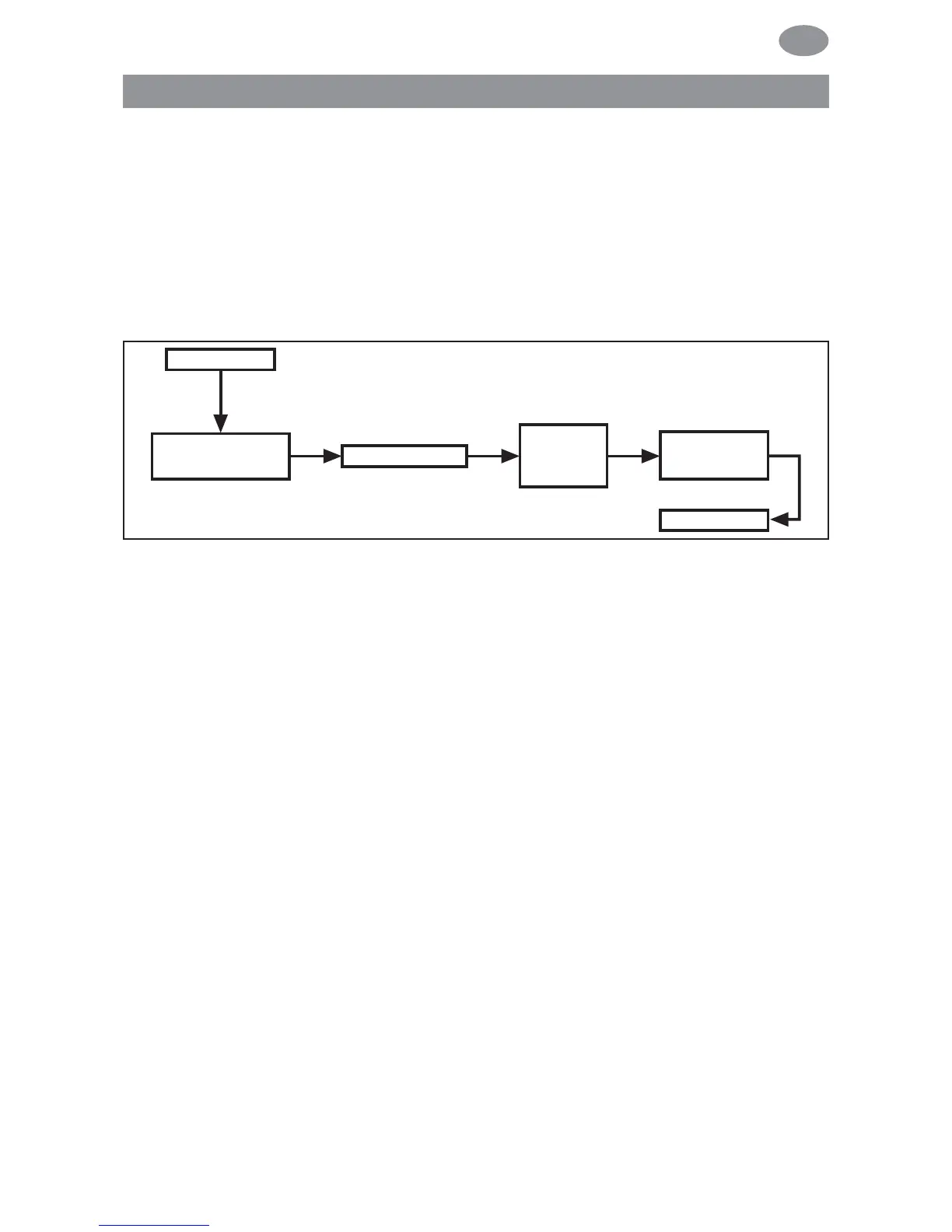
1. Press the MENU button.
2. To select the FUNCTION menu, press the + button until
FUNCTION appears.
3. Confirm by pressing OK. ROLLER SHUTTER/VENETIAN
BLIND will appear.
4. You can select either roller shutter or venetian blind using the
+/- button.
5. Confirm by pressing OK. RUNNING TIME will appear.
6. You can set the required running time using the +/- button
(default setting: 120 seconds).
Confirm by pressing OK. EXPERT MODE OFF/ON will appear.
7. Confirm by pressing OK. EXPERT MODE OFF/ON will appear.
8. Confirm your selection by pressing OK. INITIAL OPERATION
will appear.
9. Confirm by pressing OK.
10. Press the MENU button to switch to operating mode.
Programming
75



 To Next Page