GB
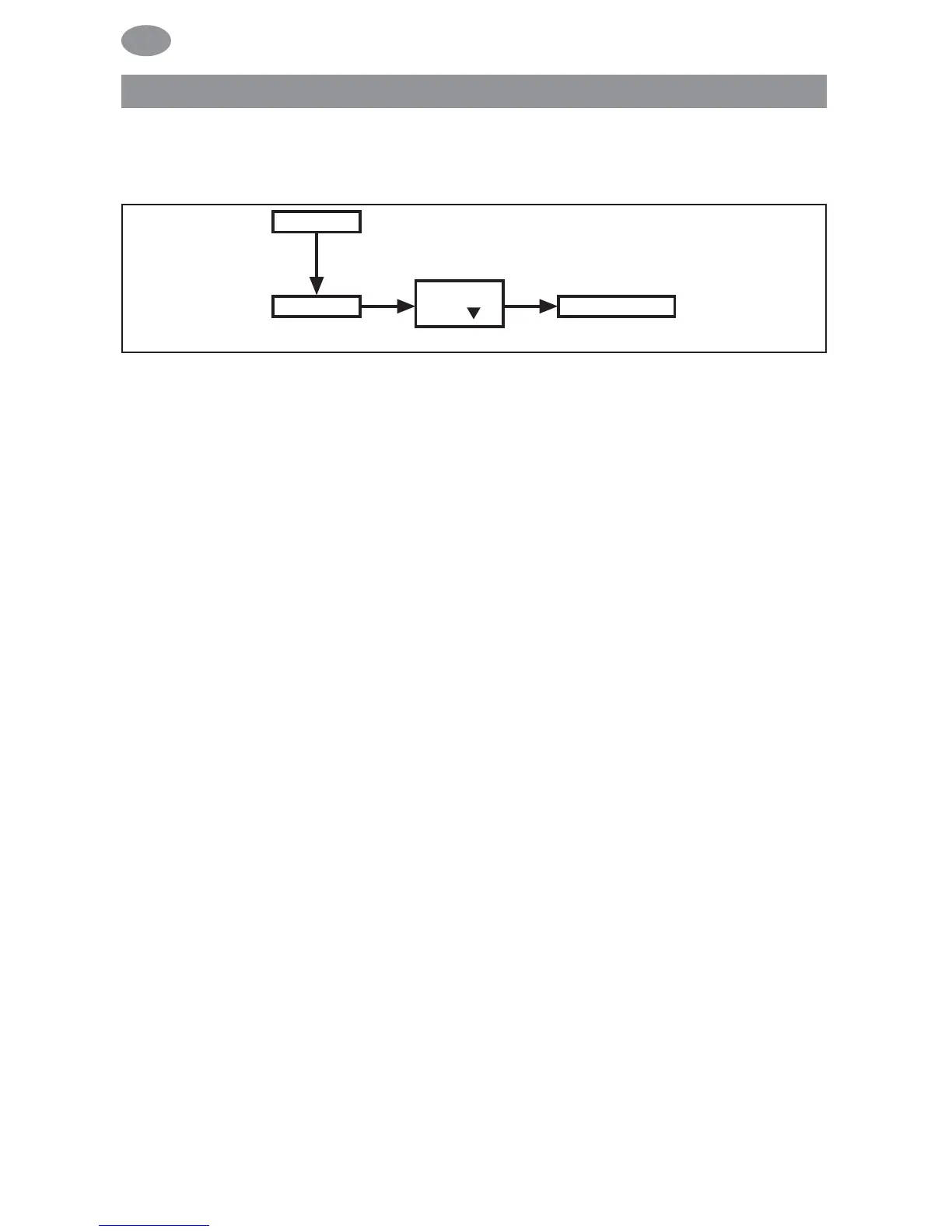
PROG 2/OFFSET (e.g. time shutters are lowered to ventilation
position in the evening)
1. Press the MENU button.
2. To select the PROGAMME menu, press the + button until PRO-
GAMME appears.
3. Confirm by pressing OK.
4. Press the + button until PROG 2 appears.
5. Confirm by pressing OK.
6. Press the + button until the OFFSET menu appears.
7. Confirm by pressing OK.
8. You can set the time for the DOWN control command to be
triggered separately using the +/- button (max. +/- 240 mins,
depending on PROG 1 SWITCHING TIME ▼).
Confirm your entry by pressing OK.
9. Press the MENU button to switch to operating mode.
Note: Using the SETTING menu level, you must enter the switching
time of the intermediate position and select PROG 2 VENTILATION
for the position of the end limits
Programming
68



 To Next Page