GB
SETTING
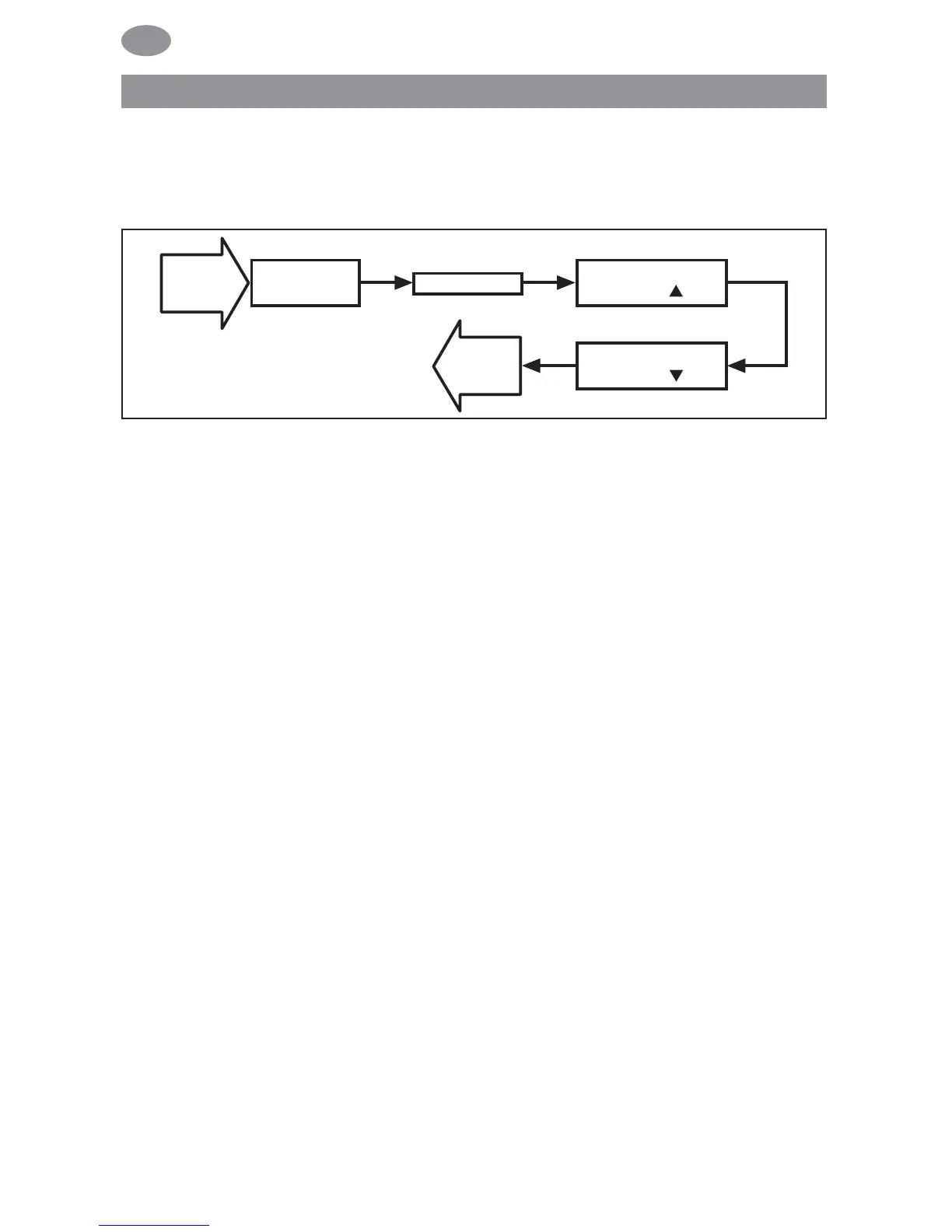
GB ENGLISH/ASTRO SHIFT ▲▼
(Language, astro shift)
Note: The TEST MODE menu level will only be displayed if a light
sensor is connected to the device.
1. You have confirmed the PROG 2 END LIMIT menu level. TEST
MODE ON/OFF will appear.
2. You can activate or deactivate the TEST MODE (ON/OFF)
using the +/- button.
Confirm by pressing OK. GB ENGLISH will appear.
Note: To exit from TEST MODE, press the OK button in operating
mode.
3. You can set the language required using the +/- button.
4. Confirm the language selected by pressing OK.
5. ASTRO SHIFT ▲ will appear.
6. You can set the required astro shift ▲ (max. +/- 120 mins.) using
the +/- button.
7. Confirm by pressing OK.
8. ASTRO SHIFT ▼ will appear.
9. You can set the required astro shift ▼ (max. +/- 120 mins.) using
the +/- button.
10. Confirm by pressing OK.
11. The function ASTRO SHIFT ▼ has now been set.
Please read on for further programming options using the
SETTING menu.
Programming
72



 To Next Page