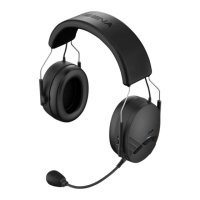
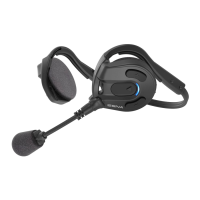
Expand Boom
30
9.8 Universal Intercom Pairing
Voice Prompt
“Universal Intercom Pairing”
Factory Default N/A
To go into Universal Intercom Pairing mode, tap the (+) Button or the
(-) Button until you hear a voice prompt, “Universal Intercom
Pairing”.
Please refer to section
7.1
for details on Universal Intercom Pairing. If
you tap the (+) or (-) Button, you can exit from the Universal Intercom
Pairing mode.
9.9 Reset to Factory Default Setting
Voice Prompt
“Factory reset”
Factory Default N/A
Execute Tap the Center Button
To restore factory default settings on the Sena Expand Boom, tap the
(+) Button or the (-) Button until you hear a voice prompt, “Factory
reset”. Tap the Center Button to conrm. The Sena Expand Boom
powers off with a voice prompt, “Headset reset, goodbye”.
9.10 Exit Voice Conguration Menu
Voice Prompt
“Exit conguration”
Factory Default N/A
Execute Tap the Center Button
To exit voice conguration menu and get back to stand-by mode, tap
the (+) Button or (-) Button until you hear a voice prompt, “Exit
conguration”. Tap the Center Button to conrm.


 To Next Page