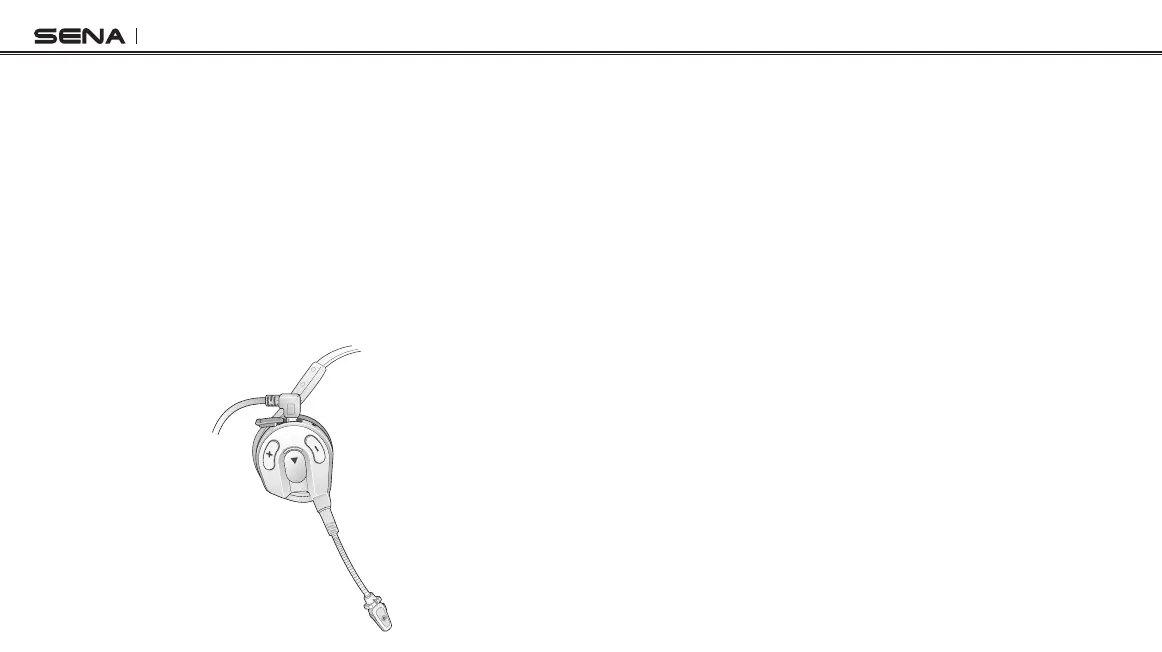
Expand Boom
6
2.7 Low Battery Warning
When the battery is low, the blinking blue LED in stand-by mode turns
to red and you will hear mid-tone triple beeps and a voice prompt,
“Low battery”.
2.8 Checking the Battery Level
When the headset is powering on, the red LED ashes rapidly
indicating the battery level.
4 ashes = High, 70~100%
3 ashes = Medium, 30~70%
2 ashes = Low, 0~30%
2.5 Volume Adjustment
You can easily adjust the volume by tapping the (+) Button or the (-)
Button. You will hear a beep when the volume reaches maximum or
minimum level. The volume is set and maintained independently at
different levels for each audio source even when you turn the headset
off and on.
2.6 Charging
The charging LED beside the charging port turns red while charging,
and turns to blue when the headset is fully charged. It takes about 2.5
hours to be completely charged. You can use the Sena Expand Boom
while it is charging.



 To Next Page