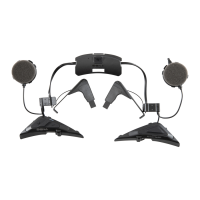
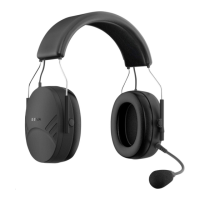
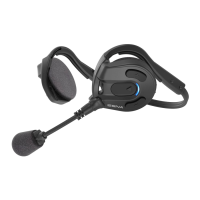
Expand Boom
9
English
3.3 Bluetooth Stereo Device Pairing
If the Bluetooth stereo device is integrated with a mobile phone such
as a smartphone, you don’t need to pair the Sena Expand Boom with
it separately. When the Sena Expand Boom is paired with the mobile
phone, it is also paired as a stereo music device.
If you have a stand alone Bluetooth stereo device, follow the pairing
procedure separately. The procedure is the same as the procedure
given in
3.1, “Mobile Phone Pairing”.
Note:
•
If a Bluetooth connection between the headset and a mobile phone is
disconnected, press and hold the
Center Button
for
3 seconds
until you
hear a high tone single beep to recover the Bluetooth connection
immediately.
•
If a Bluetooth connection between the headset and a media player is
disconnected, press and hold the
Center Button
for
1 second
to recover
the Bluetooth connection and play.
3.4 Pairing with the Sena SR10 Bluetooth Two-way
Radio Adapter
The Sena SR10 is a Bluetooth two-way radio adapter for group
communication. If you pair the Sena Expand Boom with an SR10 by
multipoint pairing, the Sena Expand Boom is able to have two HFP
devices at the same time: a mobile phone and the Sena SR10.
1. To enter the voice conguration menu, press and hold the
Center Button for 12 seconds until you hear a voice prompt,
“Conguration menu”.
2. Tap the (+) Button until you hear a voice prompt, “Multipoint
pairing”.
3. Turn on the SR10 and follow the SR10’s “Bluetooth Headset
Pairing” procedure to complete the process. Please refer to the
SR10 user's guide for details.
4. When the pairing is completed, you will hear a voice prompt,
“Your headset is paired”.
5. If the pairing process is not completed within three minutes, the
Sena Expand Boom will return to stand-by mode.
The incoming audio from the two-way radio via SR10 is heard in the
background while having an intercom conversation or a mobile phone
call. You can listen to music, answer a mobile call, have an intercom
conversation, and use a two-way radio via the SR10 for group
communication as shown in the gure.


 To Next Page