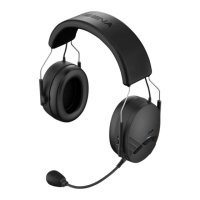
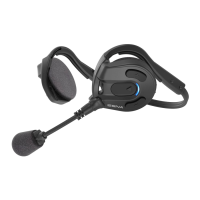
Expand Boom
32
11 TROUBLESHOOTING
11.1 Fault Reset
When the Sena Expand Boom is not working properly or is faulty for
any reason, you may reset it by pushing the pinhole reset button at
the back of the headset main unit.
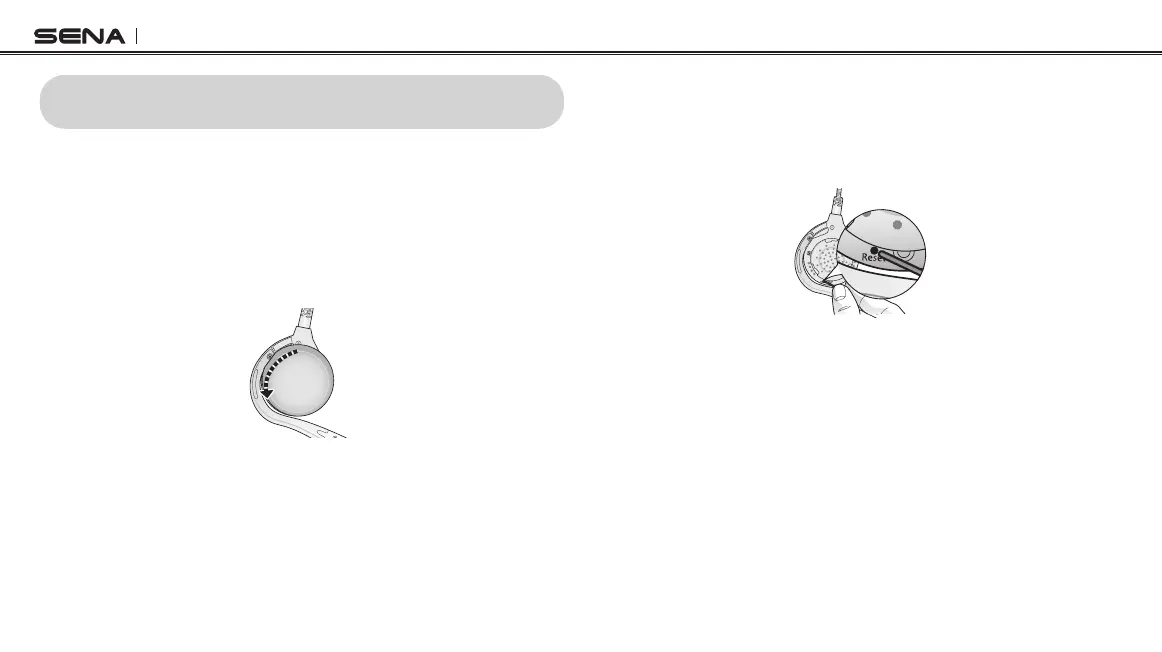
1. Rotate the speaker pad of the left headset counter-clockwise to
detach it.
2. Insert a paper clip into the reset pin-hole and tap the reset button
for a second using light pressure. The Sena Expand Boom will
be switched off, and you have to turn the system back on and
try again. However, this will not restore the headset to the factory
default settings.
11.2 Factory Reset
If you want to restore the headset to factory default settings, use the
Factory Reset in the conguration menu. The headset automatically
restores the default settings and turns off.


 To Next Page