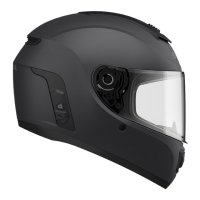
M1 Smart Mountain Bike Helmet | 15
3 PAIRING THE BLUETOOTH SYSTEM WITH OTHER BLUETOOTH DEVICES
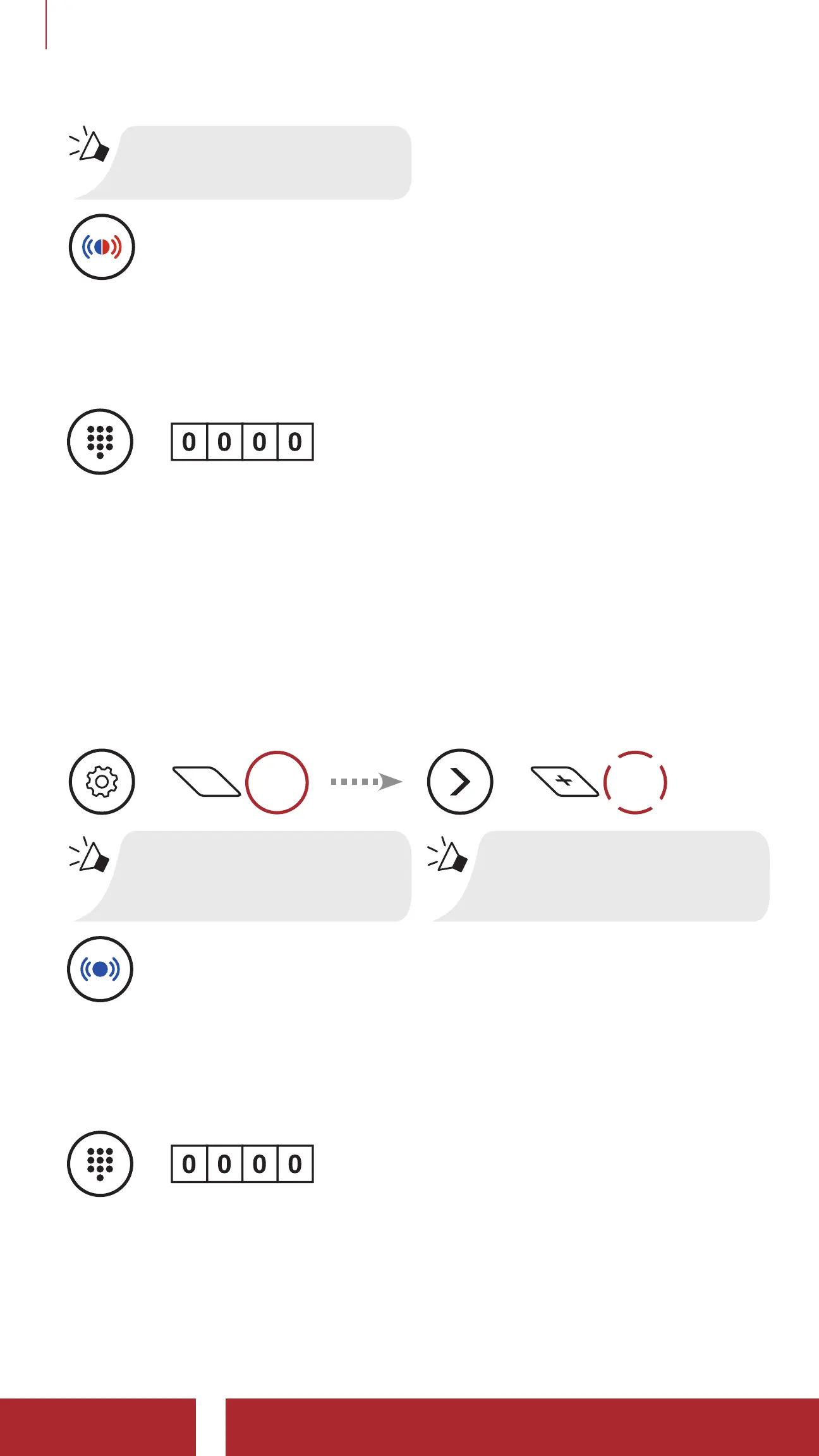
“Phone Pairing”
=
Alternating blue and red flashing lights indicate the device
is now discoverable.
2. With your mobile phone in Bluetooth-pairing mode, select M1 in the
list of devices detected.
3. If your mobile phone asks for a PIN, enter 0000.
=
PIN
NUMBER
3.2 Second Mobile Phone Pairing - Second Mobile
Phone and GPS
1. Execute Second Mobile Phone Pairing in the Configuration Menu.
Second Mobile Phone Pairing
=
15s
HOLD
“Configuration menu”
=
1x
TAP
“Second mobile
phone pairing”
=
Blue flashing light indicates the device is now
discoverable.
2. With your mobile phone in Bluetooth-pairing mode, select M1 in the
list of devices detected.
3. If your mobile phone asks for a PIN, enter 0000.
=
PIN
NUMBER



 To Next Page