M1 Smart Mountain Bike Helmet | 23
7. USING THE FM RADIO
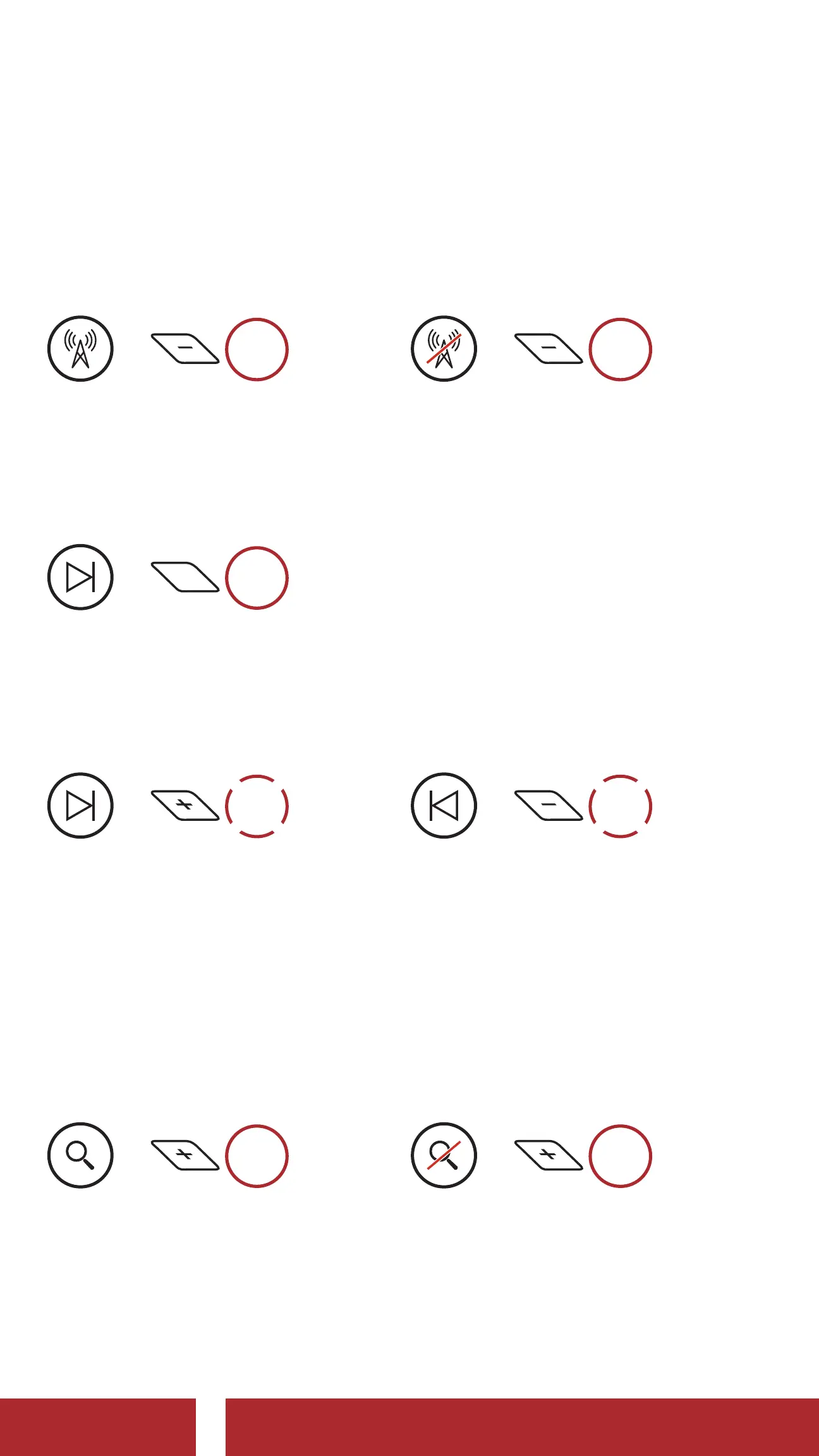
7.1 FM Radio On/Off
FM Radio On
=
1s
HOLD
FM Radio Off
=
1s
HOLD
7. 2 Navigating Preset Stations
Navigate through Preset Stations
=
1s
HOLD
7.3 Seek and Save Radio Stations
Seek Stations Forward
=
2x
TAP
Seek Stations Backward
=
2x
TAP
Save Stations
You can save current station from the Sena Device Manager or the
Sena Utility App.
7.4 Scan and Save Radio Stations
Start Scanning
=
1s
HOLD
Stop Scanning
=
1s
HOLD
Save Stations
You can save current station from the Sena Device Manager or the
Sena Utility App.
CHAPTER



 To Next Page