PRISM
13
English
3. CAMERA MODES AND MENU SYSTEM
3.1 Button Operations
Press the Mode Button
M
to change camera mode or move to the next menu item. Press and hold
the Mode Button
M
to enter or exit Quick Settings*. Press the Shot Button
S
to record video, take
photos or select a menu item. Press and hold the Shot Button
S
during video recording to take a
still shot.
Note:
* Quick Settings is a quick and easy way to enter the settings menu for each mode that you are currently in.
3.2 Camera Modes
The camera has several modes. To cycle through the modes, press the Mode Button
M
.
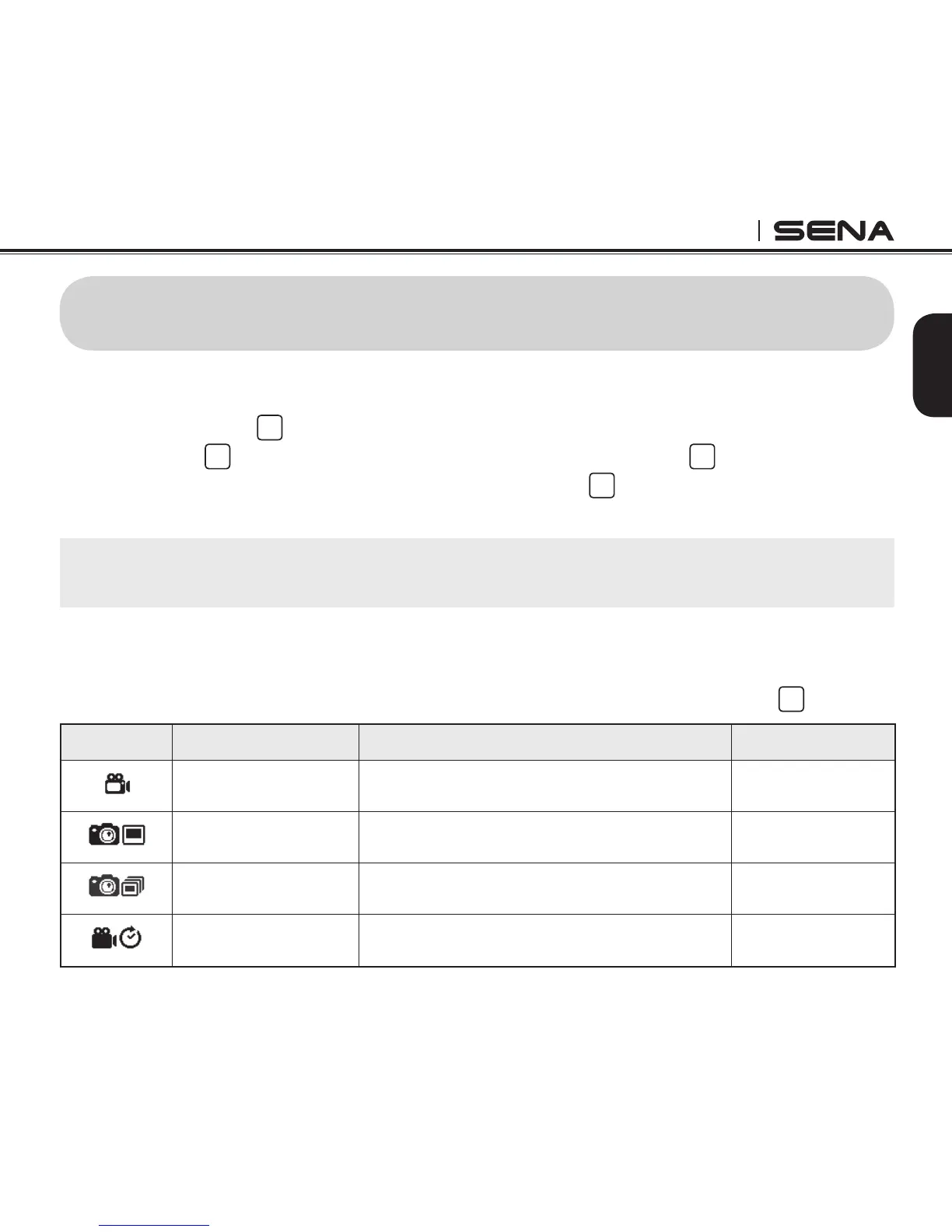
Icon Mode Application LED Color
VIDEO
Video Record video Red
SINGLE
Single Shot Capture a single photo Blue
BURST
Burst Shot Capture up to 10 photos in one second Green
TIME LAPSE
Timelapse
Capture series of photos or videos at timed
intervals
Pink



 To Next Page