PRISM
41
English
11. BLUETOOTH REMOTE CONTROL
The camera can be operated hands-free by using the remote control capability from Bluetooth
headsets. The wireless remote control helps to use less energy and allows for more versatile control
through the audio/video remote control prole (AVRCP) of Sena’s Bluetooth products.
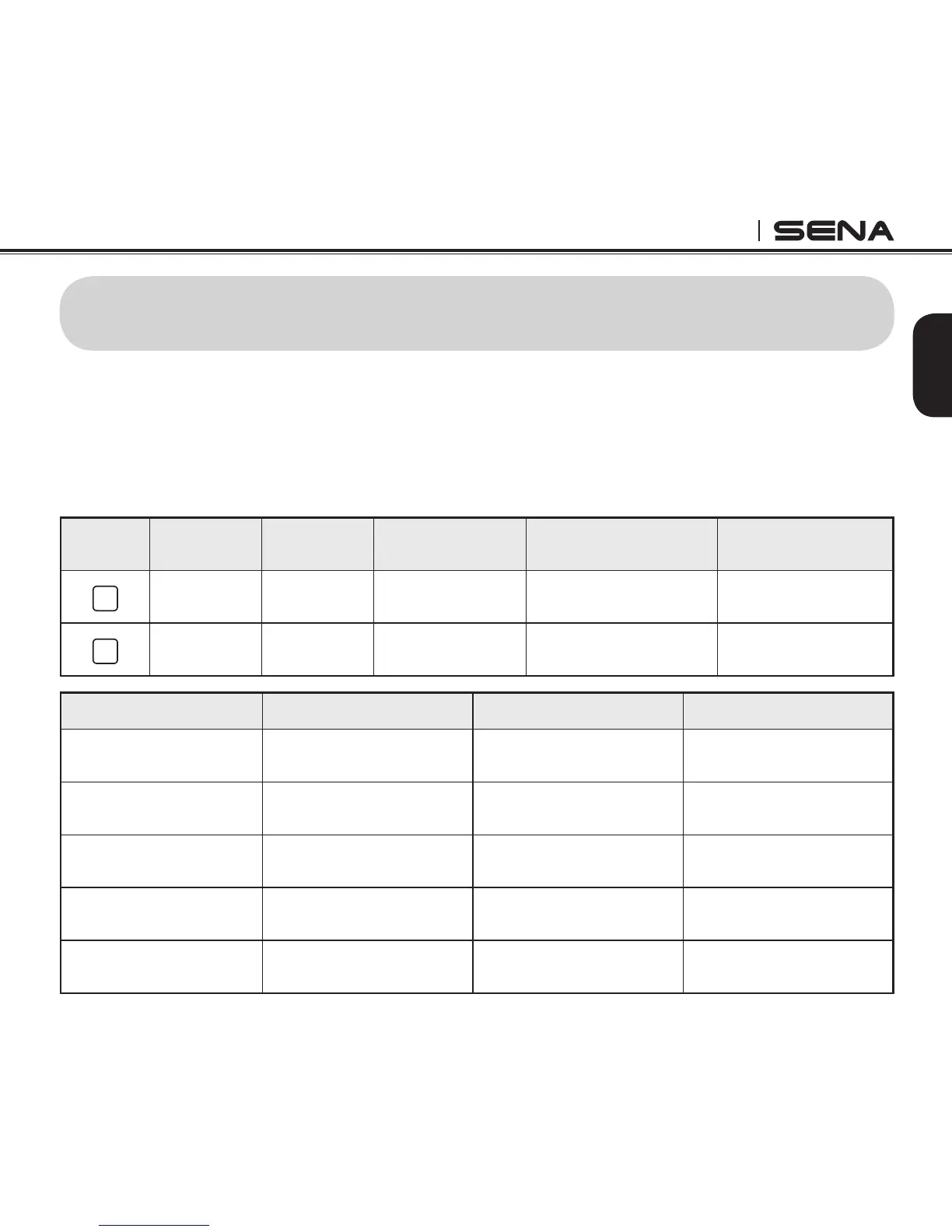
11.1 Remote Control by Sena Headsets
Camera
Button
Camera
Function
Headset
Function
Sena Jog Dial
Type
Sena 3-button
Type
Handlebar
Remote
M
Menu Move
Track Back/
Forward
Rotate Jog Dial
while pressing
Press and hold
(+)/(-) Button for 1 sec
Move Joystick left or
right for 1 sec
S
Execute Play/Pause
Press and hold
Jog Dial for 1 sec
Press and hold Center
Button for 1 sec
Press and hold
Joystick for 1 sec
Camera Function Jog Dial Type Three Button Type Handlebar Remote
Video Start
Press and hold Jog Dial
for 1 sec
Press and hold Center
Button for 1 sec
Press the Joystick for
1 sec
Video Stop
Press and hold Jog Dial
for 1 sec
Press and hold Center
Button for 1 sec
Press the Joystick for
1 sec
Single Shot
Press and hold Jog Dial
for 1 sec
Press and hold Center
Button for 1 sec
Press the Joystick for
1 sec
Burst Shot
Press and hold Jog Dial
for 1 sec
Press and hold Center
Button for 1 sec
Press the Joystick for
1 sec
Timelapse Start
Press and hold Jog Dial
for 1 sec
Press and hold Center
Button for 1 sec
Press the Joystick for
1 sec



 To Next Page