PRISM
26
8. PLAYBACK
Playback videos and photos by connecting the camera to a TV (requires micro HDMI sold separately).
Videos and Photos (HDMI)
To browse videos and photos:
1. Plug the camera into a TV/HDTV with a micro HDMI cable.
2. On your camera, use the Mode Button
M
to navigate to Playback mode. Press the Shot Button
S
to enter.
3. The camera shows thumbnail previews of videos and photos on the microSD card.
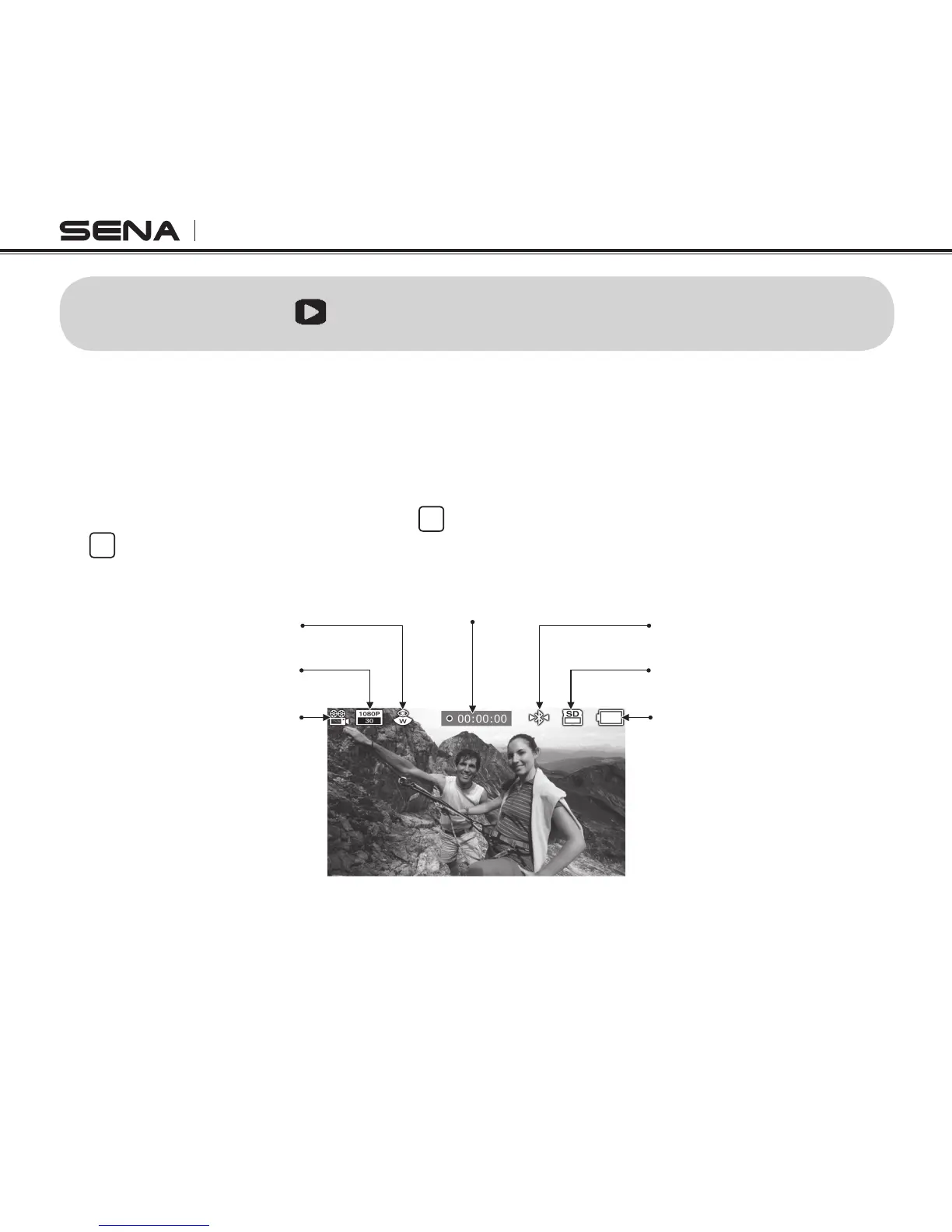
Mode
Resolution
Field of view
Recording Time
Bluetooth Status
Storage
Battery



 To Next Page