PRISM
29
English
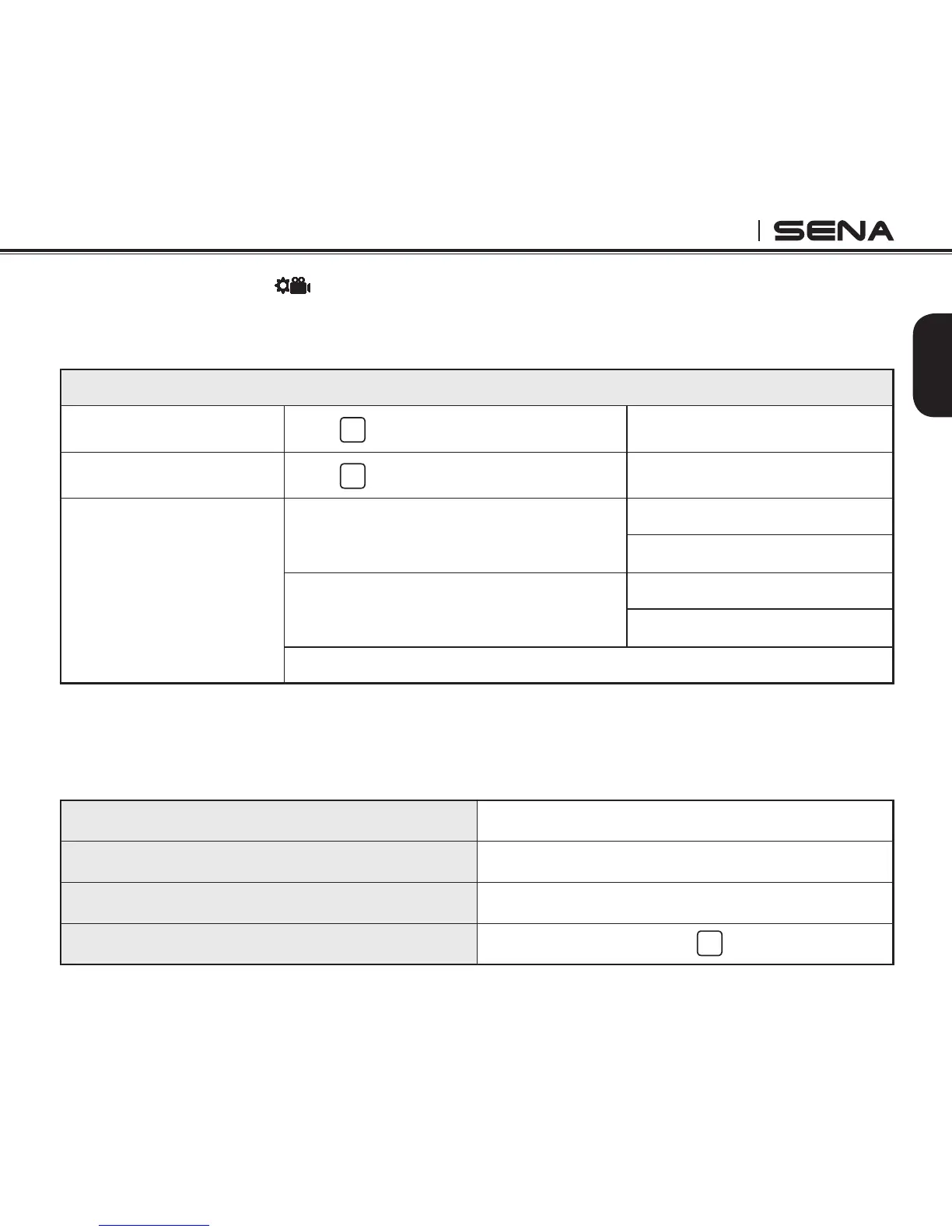
9.2 Video Settings
SET
Video, single shot, burst shot and timelapse settings inside video settings are the same as the quick
settings at each mode.
Settings - Video Settings
Cycle through [Settings]
Press
M
Select [Settings]
Press
S
Upside Down
On
Off
Date Caption
On
Off
Exit Video Settings
9.2.1. Upside Down
OFF
UPSIDE
DOWN
If you need to mount the camera upside down and still wish the les to appear upright, then set this
option to ‘on’. This setting eliminates the need to ip your video or photos during editing.
Factory Default Off
Off
Camera right side up
On
Camera upside down
Enable/Disable
Press
S



 To Next Page