PRISM
44
11.3 Remote Control by Sena 10U Headset Buttons
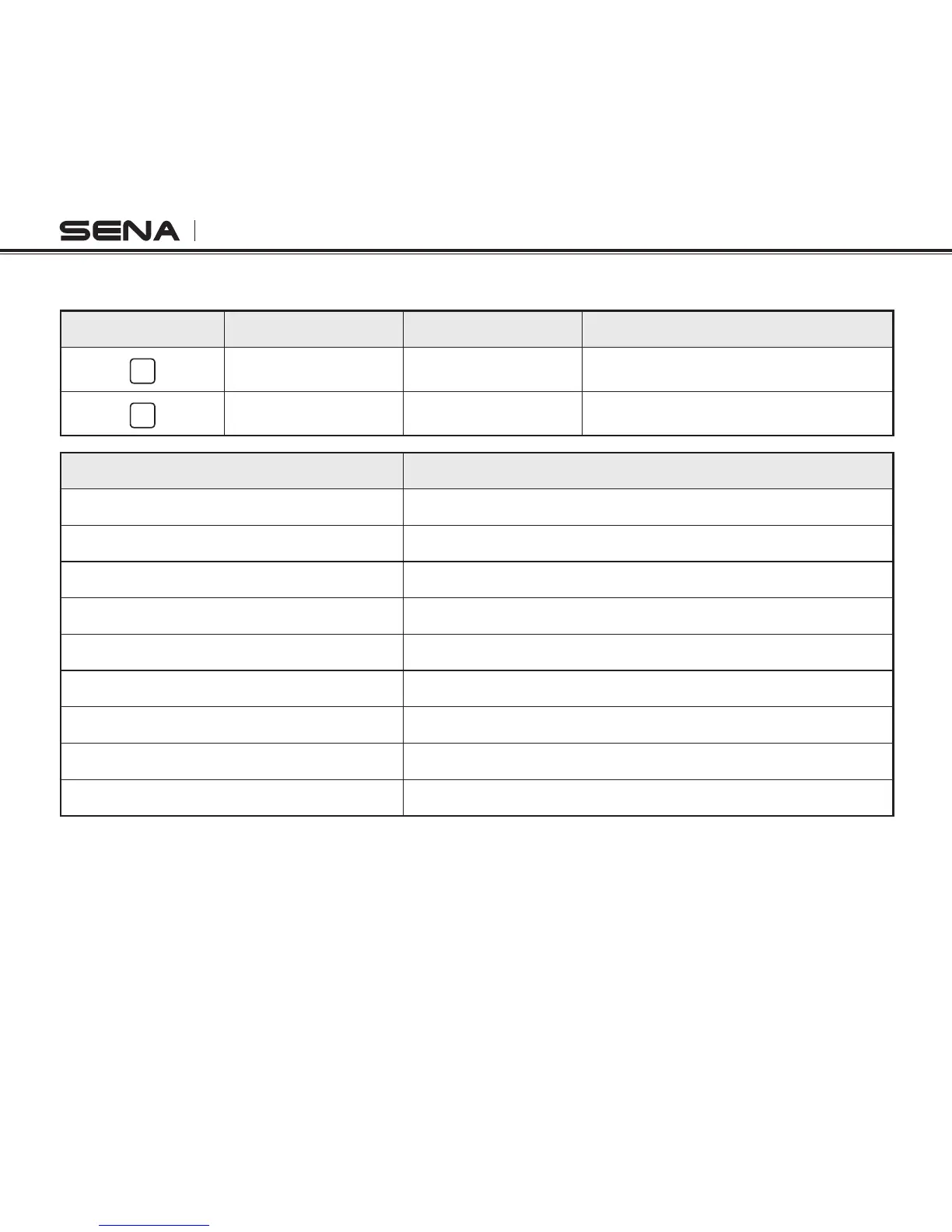
Camera Button Camera Function Headset Function 10U Headset Button
M
Menu Move Track Forward Press and hold (+) Button for 3 secs
S
Execute Play/Pause Press and hold (+) Button for 1 sec
Camera Function 10U Headset Button
Video Start Press and hold (+) Button for 1 sec
Video Stop Press and hold (+) Button for 1 sec
Single Shot Press and hold (+) Button for 1 sec
Burst Shot Press and hold (+) Button for 1 sec
Timelapse Start Press and hold (+) Button for 1 sec
Timelapse Stop Press and hold (+) Button for 1 sec
Awake Press and hold (+) Button for 8 secs
Deep Sleep Press and hold (+) Button for 8 secs
Reconnect Press and hold (+) Button for 8 secs



 To Next Page