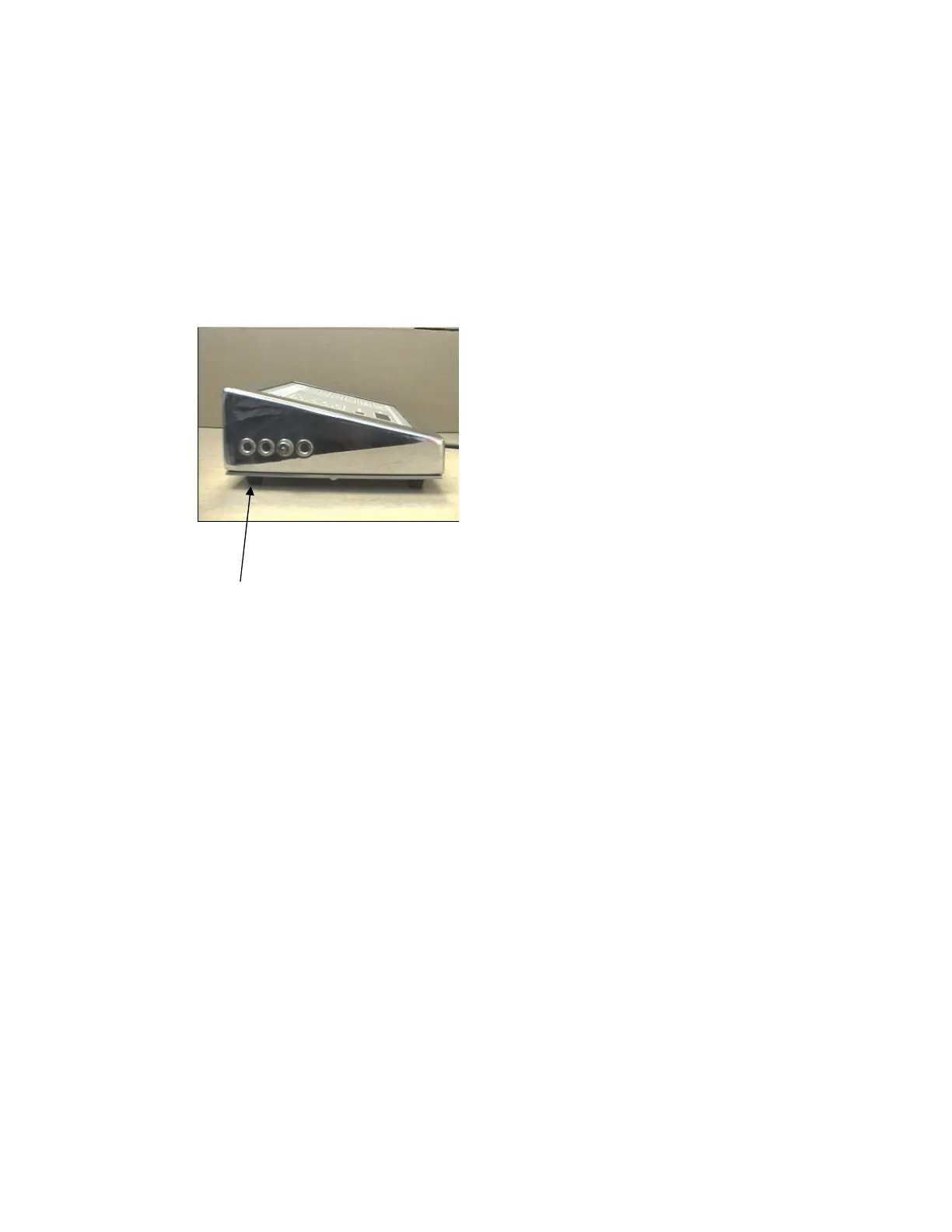
2.3 CONNECTING A FOOTSWITCH
The use of a footswitch enables readings to be captured into the instrument
memory whilst keeping both hands on the probe or test piece.
The optional Sencon footswitch is supplied complete with a lead that will
connect into the footswitch socket on the side of the instrument case.
2.4 IDENTIFICATION OF KEYS AND DISPLAYS
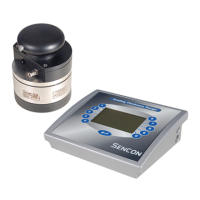
The various keys and displays are shown on the adjacent photo and will be
described in detail in later chapters. They are generally used as follows;



 To Next Page