7.3 SETUP COMPUTER PORT
The serial port is set by default to operate in the RS232 mode, however, if a
RS422 or RS485 protocol is required then jumper settings on the EMC board
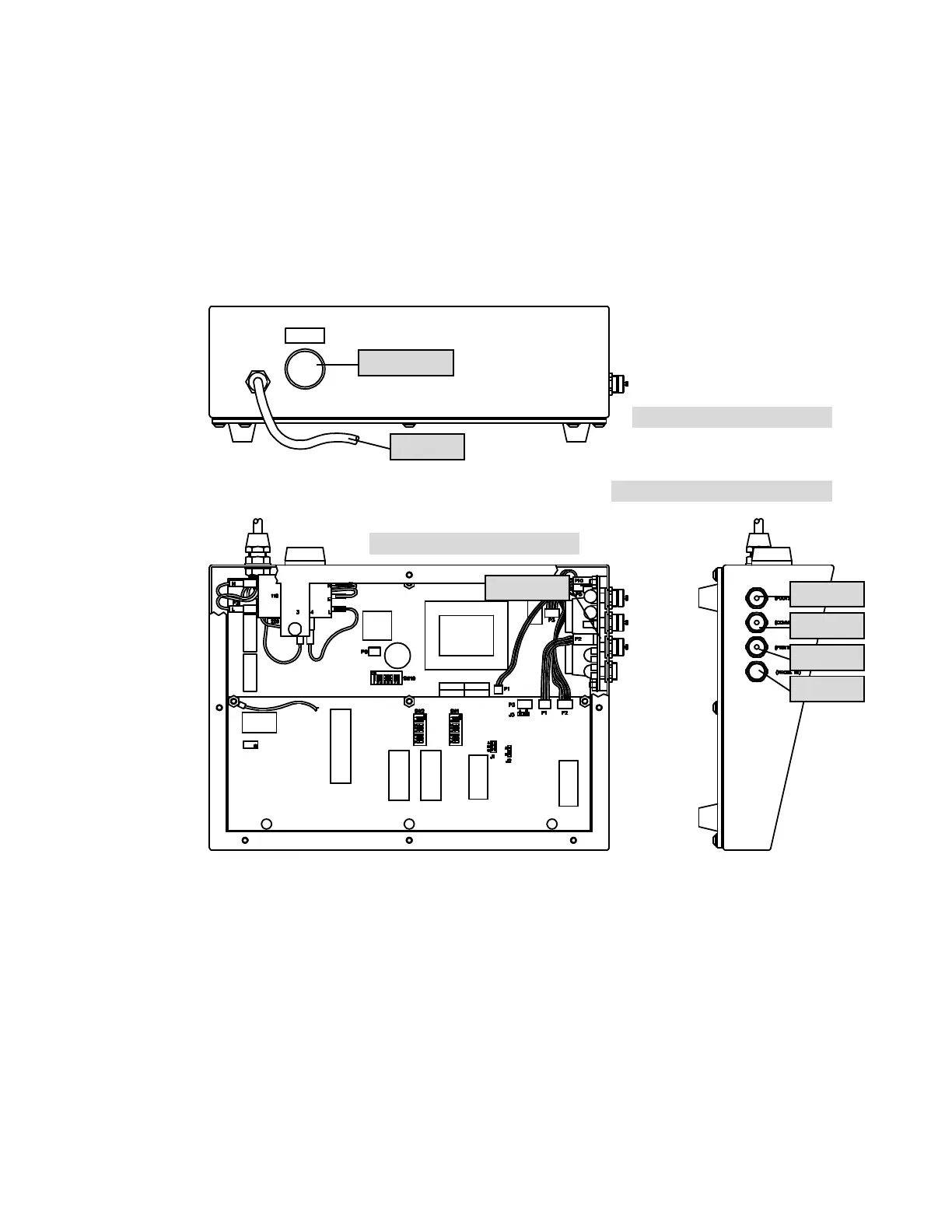
need to be made. The following figure shows the position of all connectors as
well as the EMC board location:
Figure a1: Rear View of Gauge
Figure a3: Internal View of Gauge
Figure a2: Left Hand View of Gauge
On/Off button
Mains lead
EMC board
Foot switch
Computer
Printer
Probe



 To Next Page