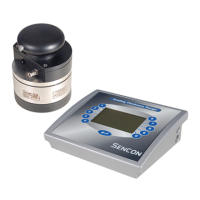
To calibrate the probe first ensure that it is connected correctly to the
instrument BUT NOT ON OR CONNECTED TO A SAMPLE. Then follow the
following procedure;
A) Enter Set-up mode (See 2.11).
B) Press the CALIBRATE key.
At this point the display will show the amount of offset
required and the lacquer number display will indicate CP.
C) Press the ENTER key.
The display should indicate zero.
D) Press the END key twice.
The instrument will then drop back to measure mode.
Probes should be calibrated whenever they are changed and at periodic
intervals dependant upon the type of probe, its condition and amount of use.
By monitoring the amount of offset required to re-calibrate the probe
experience will suggest the appropriate re-calibration period.



 To Next Page