SMP100 User Guide
36
4.1.12 ASI-Switch
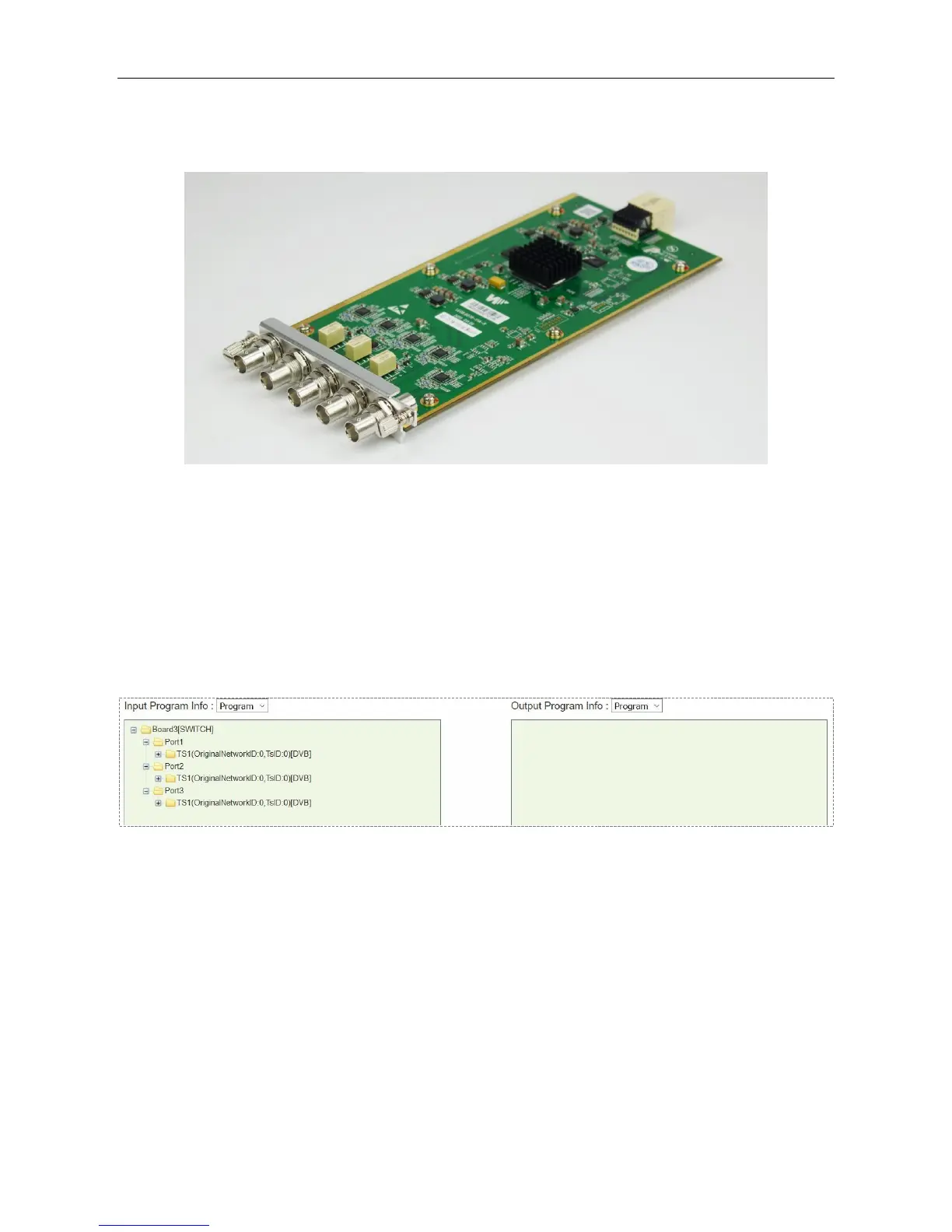
ASI-Switch is a 3in2out board for ASI input redundancy application. The three ports on the right are
primary, secondary (it could be a copy of the main), and fail-safe input. The two ports on the left are
both output 1 and output 2 interfaces.
Steps to get input services:
1. Connect ASI cables with valid signals to the three ASI input ports.
2. Go to Service Configuration, scan the three input TS. You will see the input TS’ as in the
following image.
3. Click Apply and Save button in this page.
4. Go to Module Configuration > SWITCH. Set the switching conditions and thresholds.
Module Configuration > SWITCH > Backup
By default, Switch level settings is Port-level, and Port-switch mode selection is Automatic
switch. See the following image. Automatic switch means this unit will monitor the input according
to the conditions that has been checked in Port-switch condition selection.



 To Next Page