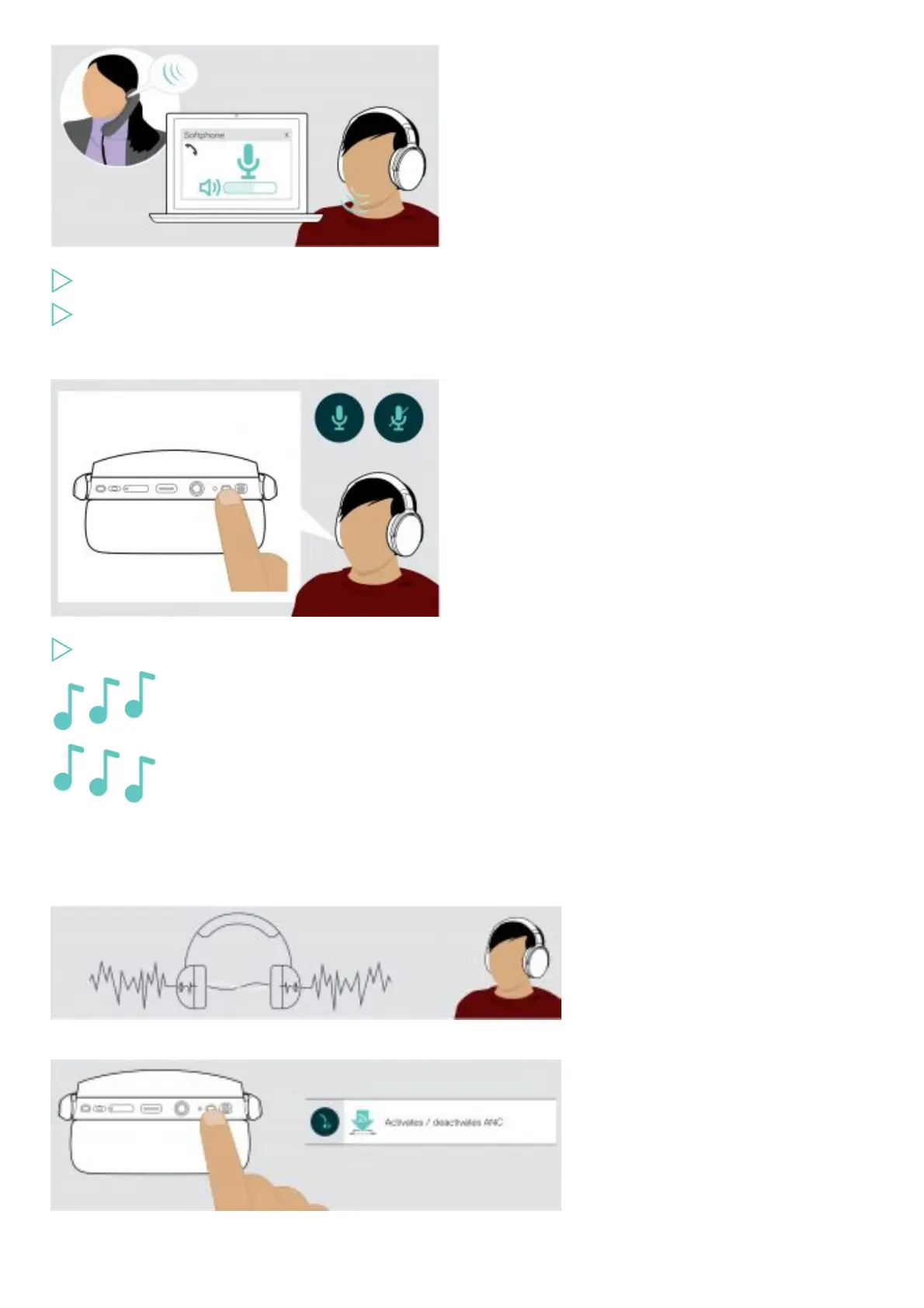
Initiate a call on your connected device to someone who will help you find the correct volume setting for your microphone.
Change the microphone volume in your softphone application and/or in your PC audio application.
Muting the microphone
Press the Power button to
mute or
unmute the microphone.
Using Active Noise Cancellation (ANC)
This headset provides attenuation of ambient noise using Active Noise Cancellation (ANC) technology. Special microphones optimize
speech and reduce background noise.
If you are in a noisy environment but would like to have your own quiet space, you can use the headset itself, disconnected from any
device, and simply benefit from ANC. You can activate ANC if the battery is sufficiently charged and if the headset is turned on.
Turning TalkThrough on / off











 To Next Page