Connecting devices to the AMBEO Soundbar
26 | AMBEO Soundbar
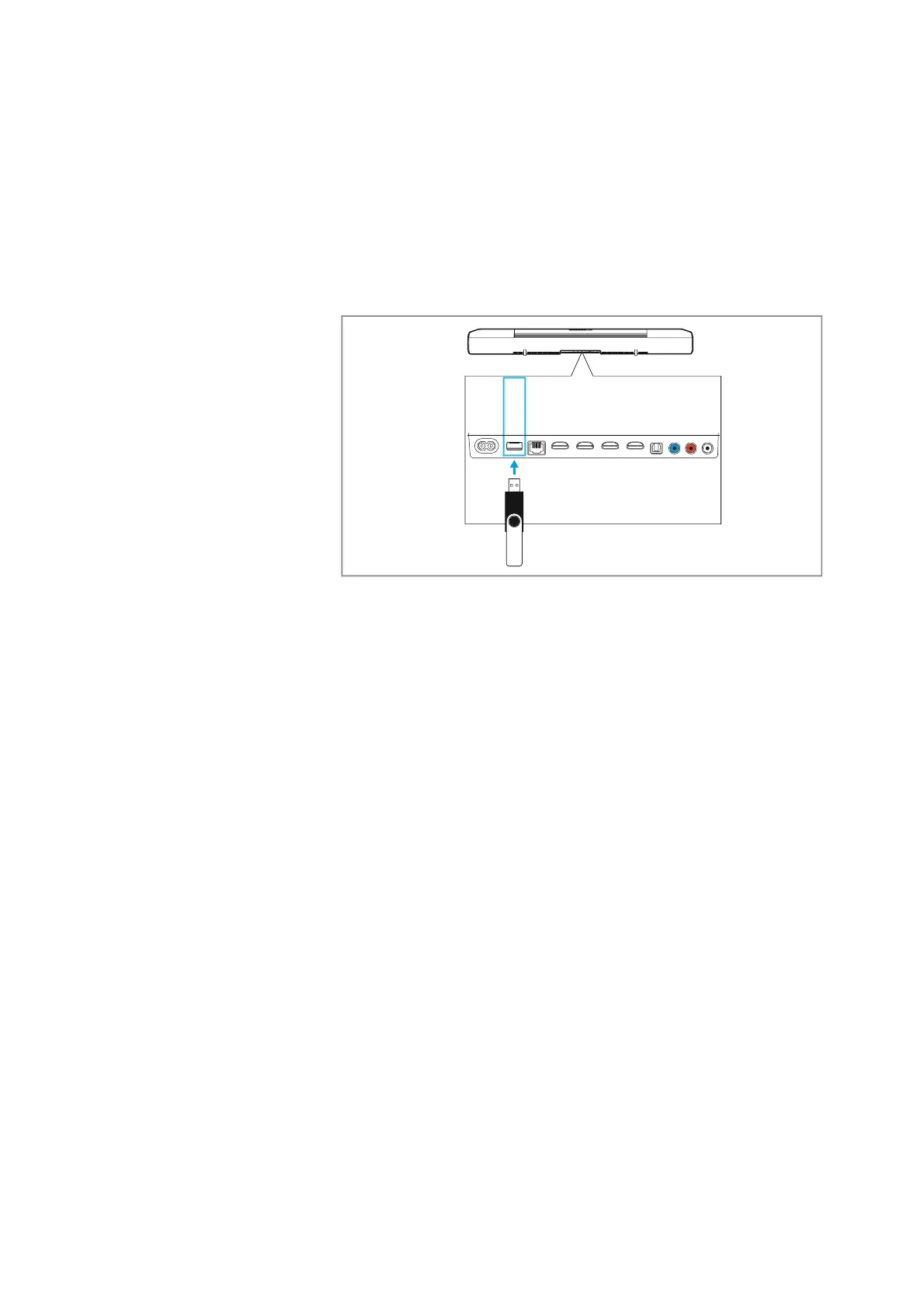
Using the USB socket for updates
If the Soundbar is not connected to the Internet, you can install a
firmware update on the Soundbar using a USB flash drive. For more
information on the update > 46.
A power supply of 5 V
⎓, 1 A for accessories (external devices) is
possible.
▷ Insert a USB flash drive or external accessory powered by USB
(type B, to be ordered separately) into the USB socket on the
S
oundbar.
AUX IN
SW PRE
OUT
OPT IN
HDMI 3 IN
HDMI 2 IN
HDMI 1 IN
HDMI TV
(eARC) OUT
ETHERNET
USB
POWER











 To Next Page