Using the AMBEO Soundbar
40 | AMBEO Soundbar
▷ The Ethernet connection can be set up via the Google Home app
and managed via the Smart Control app.
If you connect the Soundbar to the Internet/Ethernet via cable,
the WiFi function of the Soundbar is automatically deactivated.
Controlling the music playback
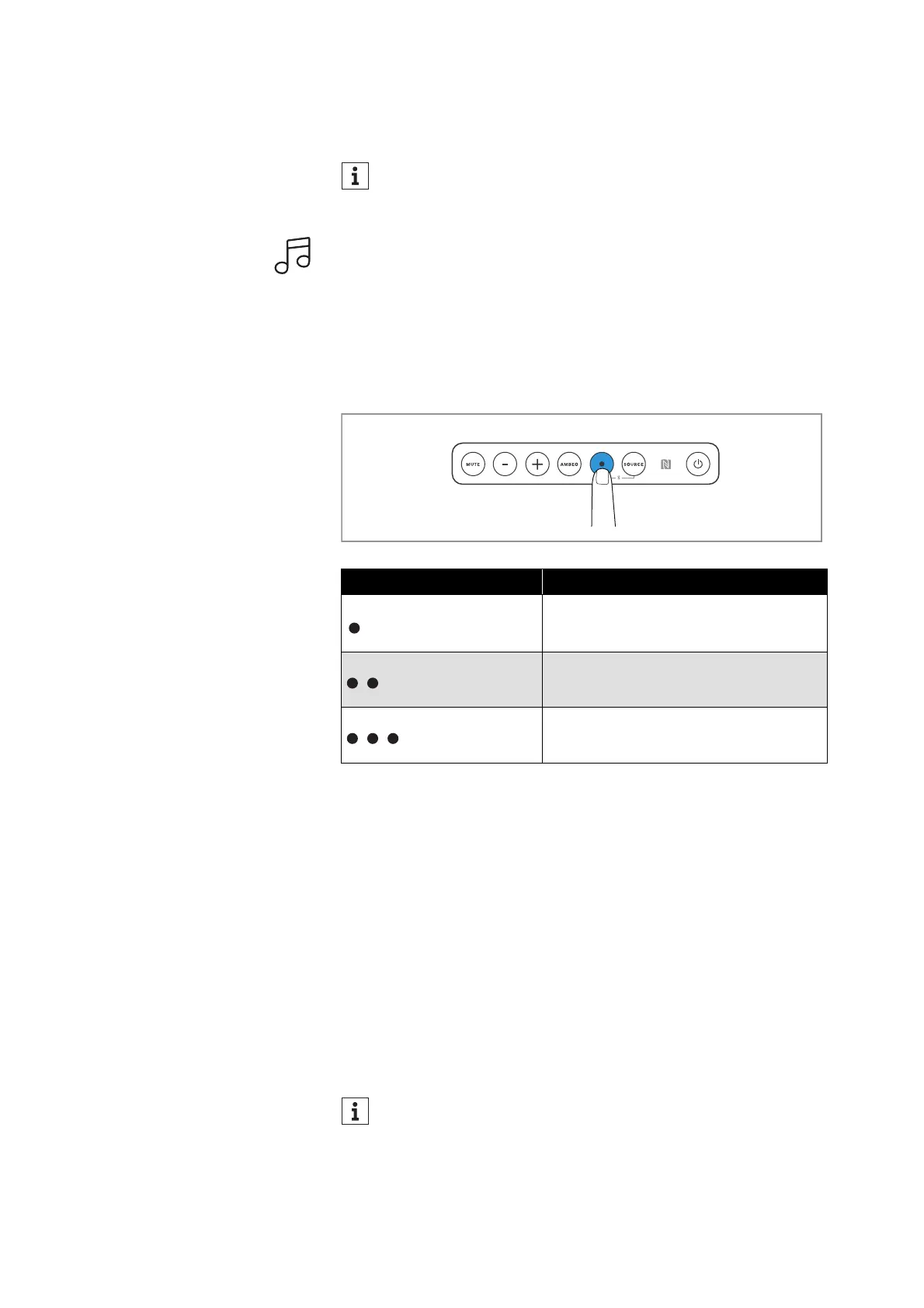
You can control music playback by pressing the multi-function
button on the Soundbar or the multi-function button on the remote
control.
The function is available for playback via Bluetooth or net-
work connection.
Functions of the multi-function button
▷ Press the multi-function button.
Multi-function button Result
Press 1x
Plays or pauses music
Press 2x Plays the next track in the playlist
Press 3x
Plays the previous track in the playlist
Using the sound profiles
If you want to activate a sound profile, you have the following
options:
•Press the sound profile buttons on the remote control.
• Use the Smart Control app.
There are the following sound profiles:
•Movie
•Music
•News
•Sports
• Neutral
If the “Dolby Virtualizer” is activated, you cannot use the sound
profiles (>
42).











 To Next Page