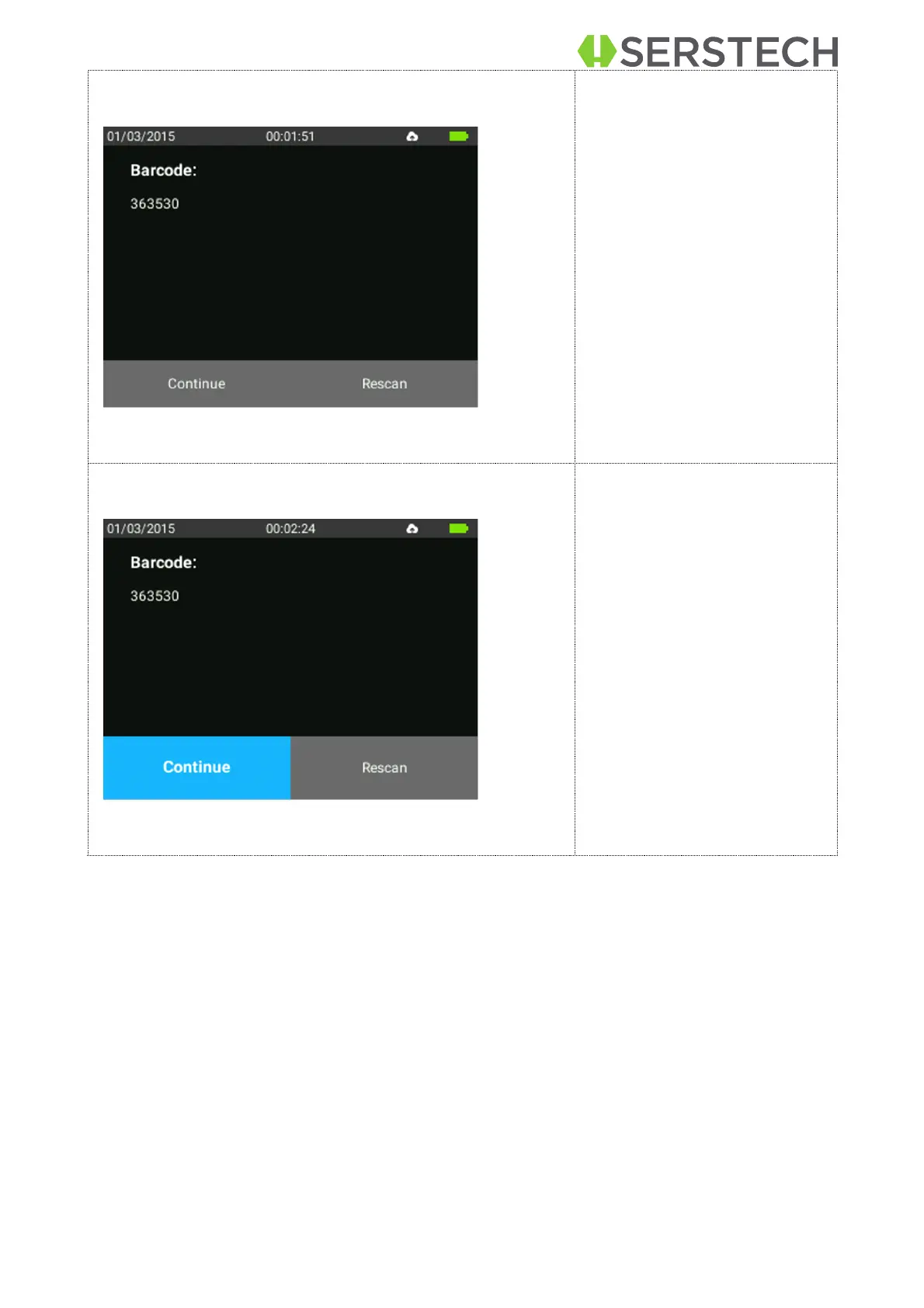
When the barcode is scanned
the barcode can be viewed, in
numeric form, on the instru-
ment´s screen. Press OK to
activate option to Continue.
Aim the instruments probe
against the substance to be
analyzed and press OK to go
to continue and the laser
starts working.
If barcode needs to be re-
scanned use arrow to select
Rescan.
Note! Pressing OK button
when Continue is selected will
start the laser without further
warning.


 To Next Page