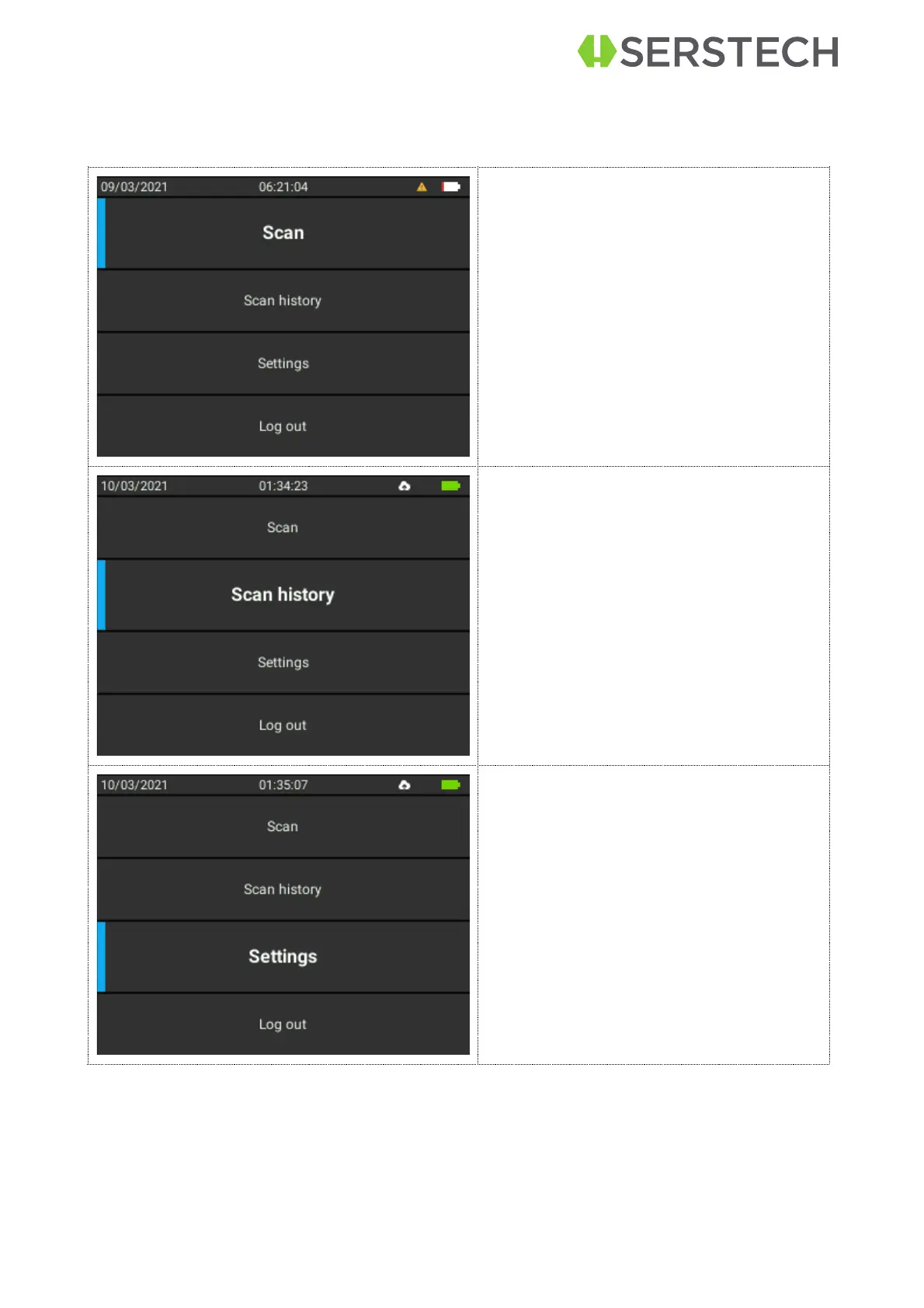
Main menu
Features of the Main menu are Scan, Scan History, Settings and Log out. You can
quick access the Main menu by using the Quick Menu button and select Home.
Select Scan if you want to:
§
Make a Quick scan of a sub-
stance (uses high laser power,
take caution with dark and/or ex-
plosive substances)
§
Make an Advanced Scan of a
substance
§
Verify a known substance
§
Check the Calibration status of
the device
Select Scan history if you want to see
the history of your measurements and
the details of some of them.
Select Settings to access the options:
§


 To Next Page