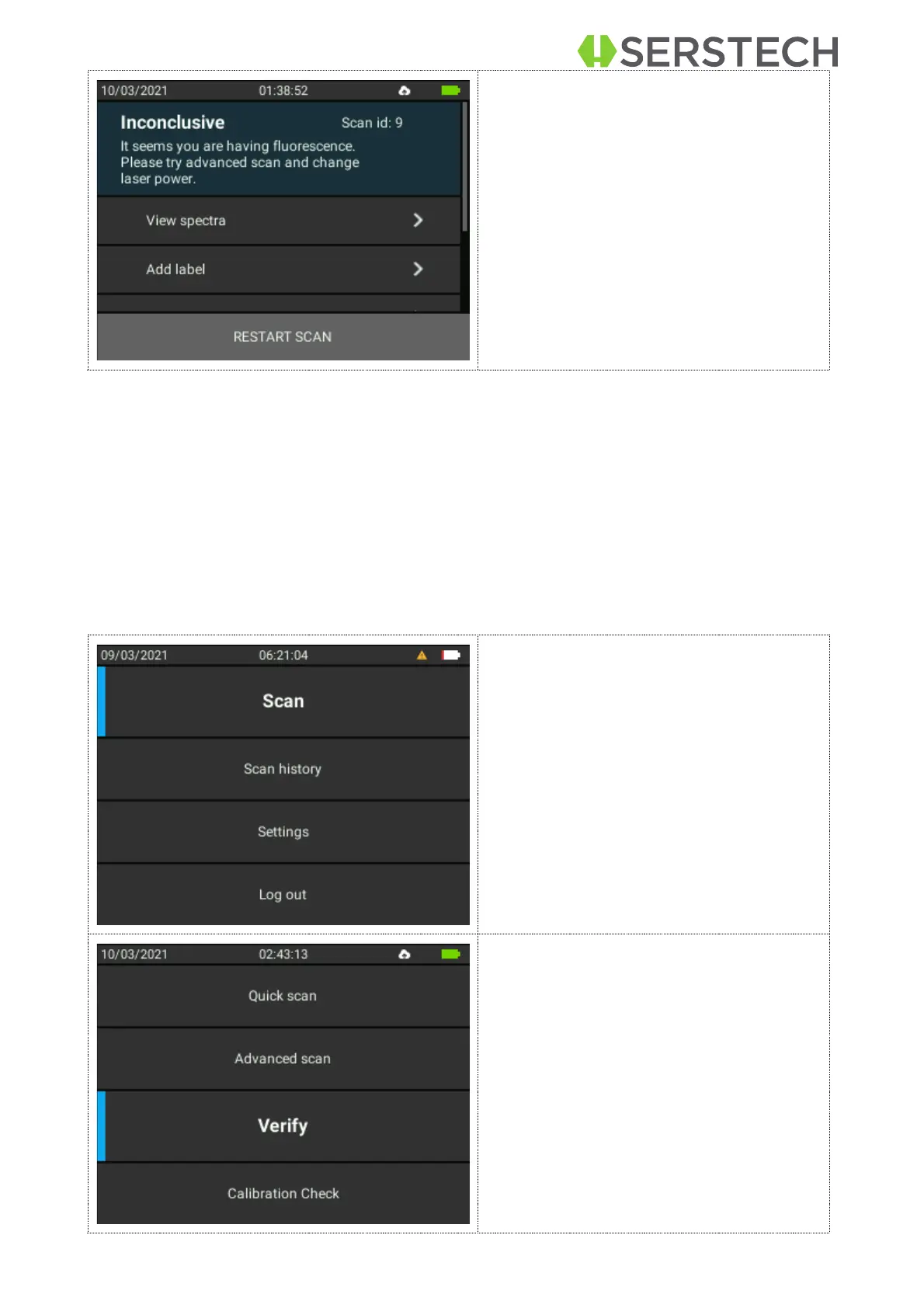
Inconclusive Result: There is no spec-
trum in the libraries that matches the
sample spectrum.
You may want to re-test the sample while
paying close attention to that the sample
is correctly positioned at the instruments
focal point and the instrument is not ex-
posed to strong ambient light. You can
also adjust the settings for the Advanced
Scan.
Verify
Verify method is similar to the Screen meaning that you know what you are searching
for, but in this case, you only search for a match to one specific substance rather than
several. Verify is used when you want to confirm that the sample is of the correct identity.
Before the measurement you will choose a reference substance from the spectra li-
braries. The Arx instrument will analyze the sample and compare it with the chosen refer-
ence. The result is binary, either Pass (OK) if the sample is similar to the reference spec-
trum or Fail (not OK) if the sample is different.
Select Scan from the Main menu.
Select the appropriate accessory for
the analysis.


 To Next Page