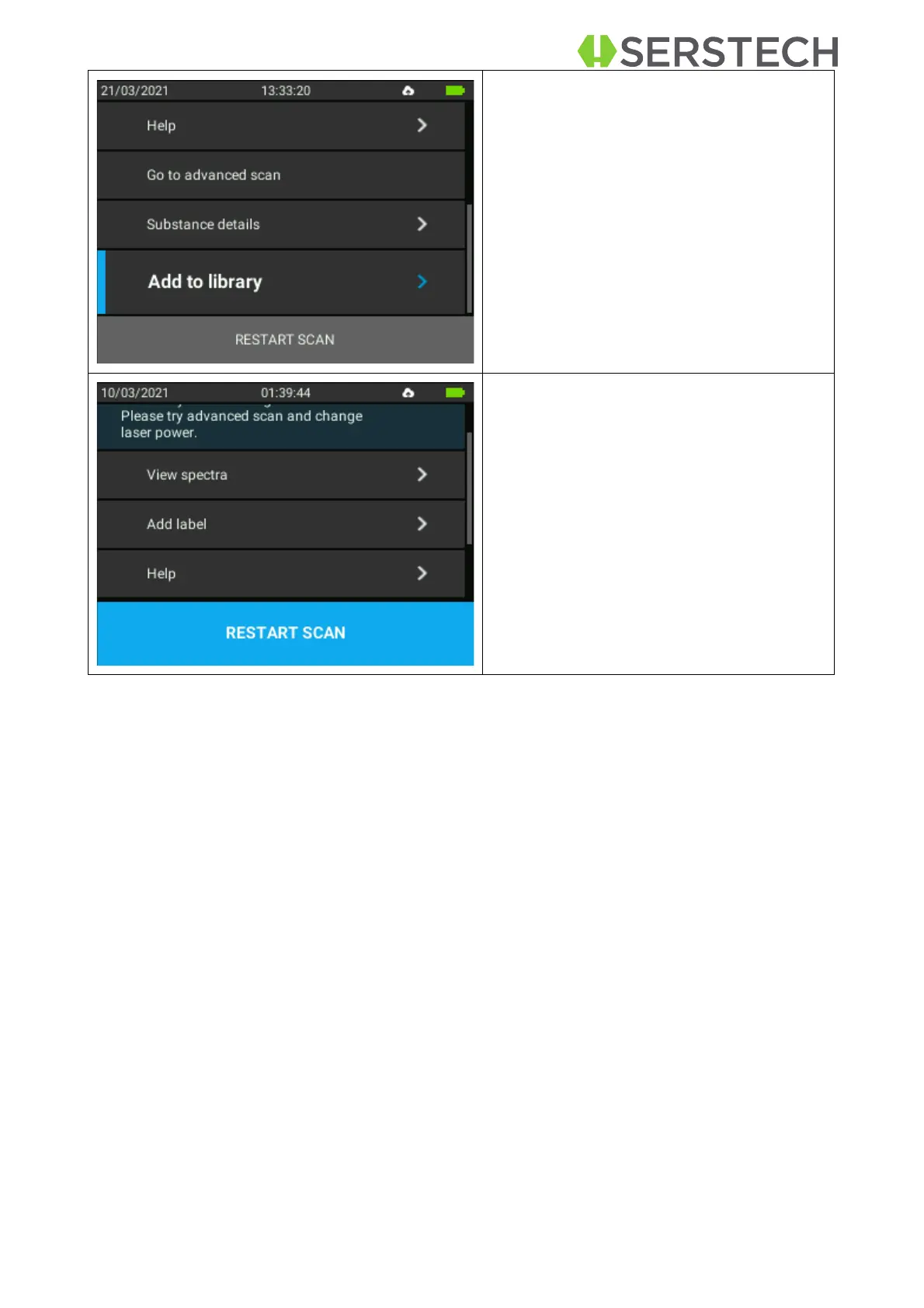
There is also the option of Adding to a
local library the newly measured sub-
stance. After selecting this, the user must
give a name to the library using the key-
board on the screen, moving up/down
with the arrows.
If the result seems not clear enough,
the user has the possibility to Restart
the Scan.
7.2
Advanced scan
This method is used for screening a list of restricted chemicals for the presence of a
regulated substance(s) in the sample, f.eg. narcotics and explosives.
Narcotics and explosives are two screen categories of the instrument. Each substance of
these two categories has its "Regulatory Type" settings in the reference library depending
on the severity. The regulatory types are listed under Scan analysis result. The extra benefit
of this option is that the user has
the possibility to adjust the scanning settings according to
the needs.
The steps to be followed are listed below:
Select the appropriate accessory for the analysis
•
Log in to the instrument
•
Follow the below listed steps:


 To Next Page