ARX User Manual
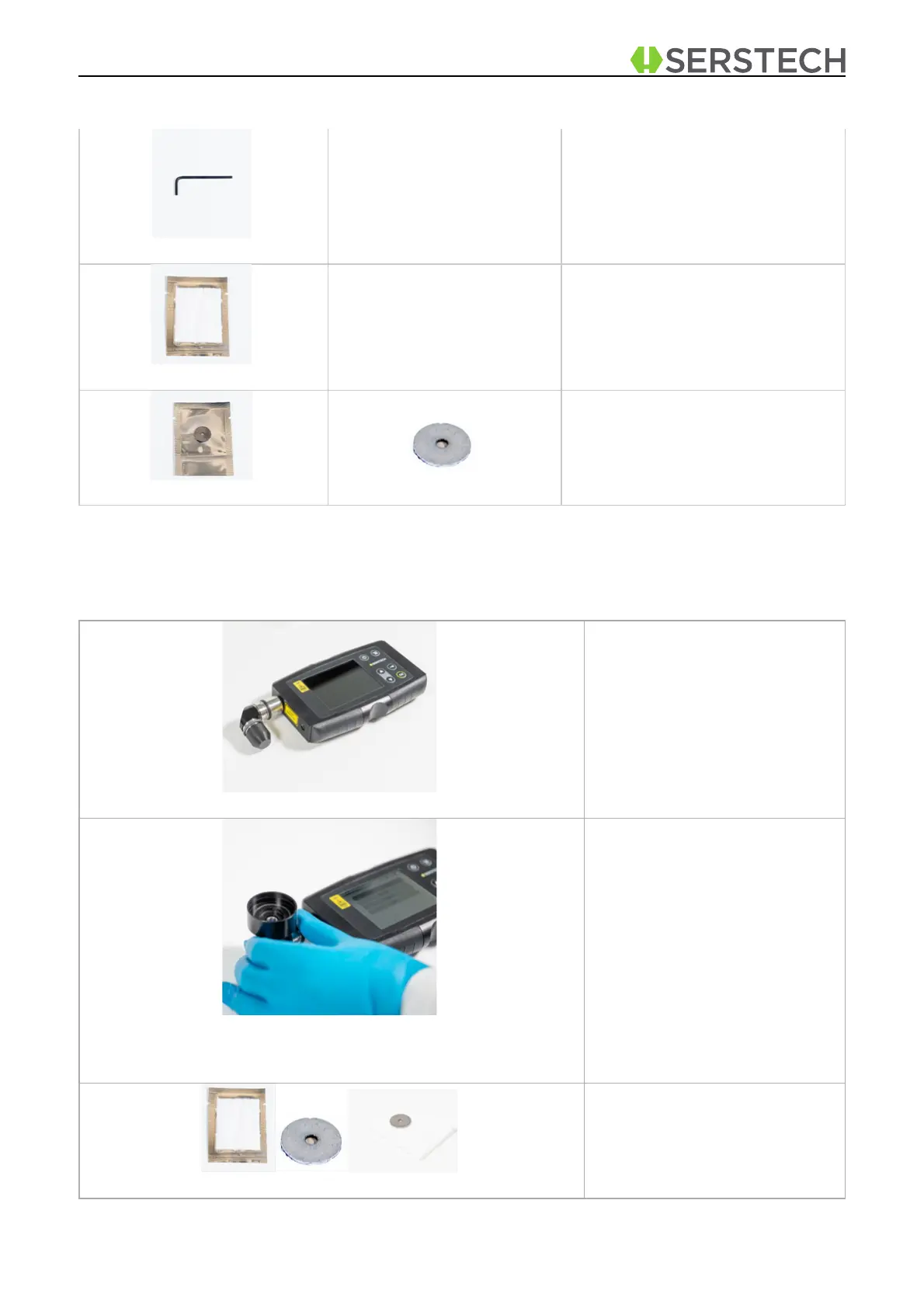
Hex key for battery replacement.
Washer with the SERS sur-
face attached in the center. The
washer is disposable.
Demonstration
To use the SERS kit please follow all steps in sequence, as described below:
Turn on the Arx device and use
your credentials to Log in.
Please use the 90° angled
adaptor as shown on the pic-
ture.
Mount the bottom adaptor of
the Heroin ID device onto the
Arx pointing up.
Use the blotting paper as base
and place the washer contain-
ing the SERS surface on the
top of it.


 To Next Page