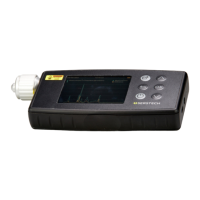
The Serstech 100 Indicator will display
the results.
If you get Inconclusive as a result, please
go back to the washer and add more than
1 drop of the prepared sample into the
surface. For optimal results we suggest
up to 5 drops. Please add one drop at a
time and let it evaporate before adding
the second drop etc. Run the analysis
again as mentioned above.
For further analysis you can use
the ChemDash software.


 To Next Page