Doc# E145701 E - 7
E: Using the USB to IrDA Adapter CAB6490
Electro Industries/GaugeTech
The Leader In Power Monitoring and Smart Grid Solutions
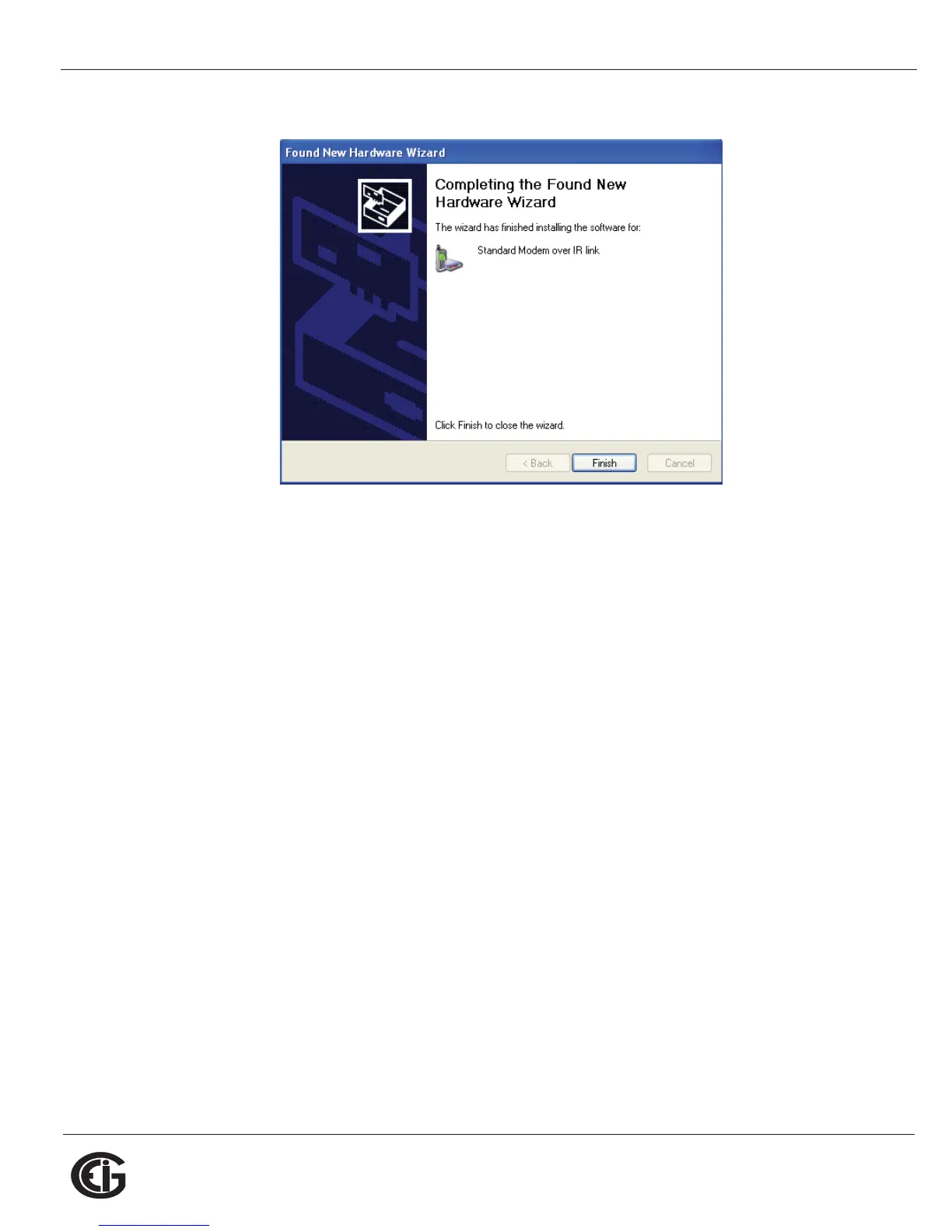
17.When installation is complete, you will see the screen shown below.
18.Click Finish to close the Found New Hardware Wizard.
To verify that your Adapter has been installed properly:
1. Click Start>Settings>Control Panel>System>Hardware>Device Manager.
The USB to IrDA Adapter should appear under both Infrared Devices and Modems
(click on the + sign to display all configured modems). See the example screen
below.



 To Next Page