AR-5520 USER PROGRAMS 8-3
*1 On models with a SPF/RSPF.
Program name
Program
No
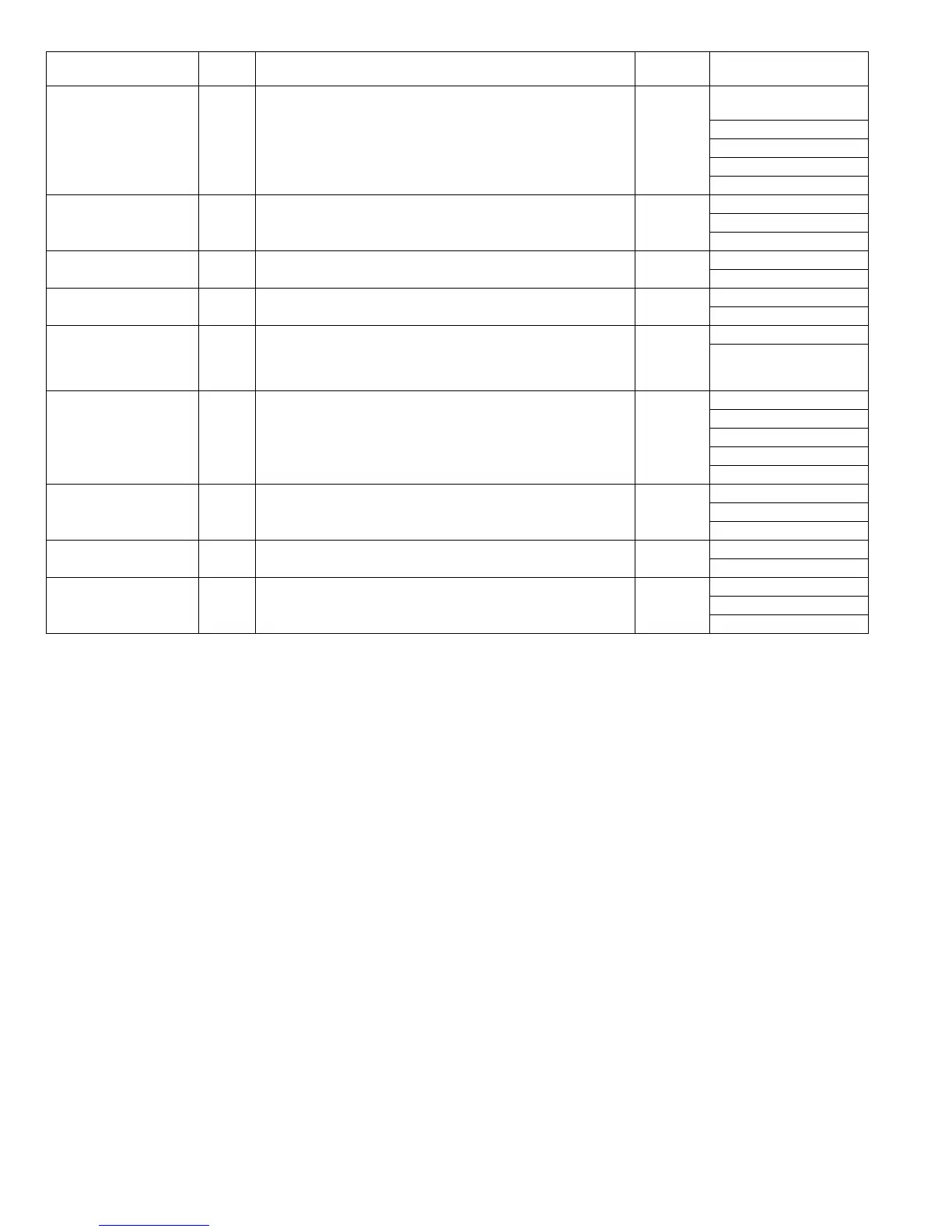
Description Default Parameters
Key press time
26
Use this setting to select how long a key must be pressed for the
input to be accepted. By selecting a longer time, you can prevent
settings from being changed by the accidental pressing of a key.
Minimum
(current
response
speed)
1 (Minimum
(current response speed))
2 (0.5sec)
3 (1.0sec)
4 (1.5sec)
5 (2.0sec)
Audible signals volume
27
This sets the volume of beep signals.
Low
(current
volume)
1 (Low (current volume))
2 (High)
3 (OFF)
Base setting beep signal
28
Use this to sound a beep when a base setting is selected.
OFF
0 (OFF)
1 (ON)
Number of copies limit
29
Use this setting to select 99 or 999 for the maximum number of
copies.
999 copies
1 (99 copies)
2 (999 copies)
Use close paper size
30
When this function is enabled, printing in printer mode will
automatically continue using a different size of paper if the specified
size of paper runs out in all trays. This feature does not function in
copy mode.
OFF
0 (OFF)
1 (ON)
Default tray setting
31
Use this program to select a default tray. This tray is automatically
selected each time the power is turned on or each time the machine
reverts to the initial settings.
Tray 1
1 (1st tray)
2 (2nd tray)
3 (3rd tray)
4 (4th tray)
5 (Bypass tray)
Default exposure mode
32
Use this program to set "AUTO", "TEXT", or "PHOTO" as the default
exposure mode.
AUTO
1 (AUTO)
2 (TEEXT)
3 (PHOTO)
USB2.0 mode switch 33 Used to switch USB2.0 mode between Full-Speed and High-Speed. High-Speed 1(Full-Speed)
2(High-Speed)
Sort auto select*
1
34 Use this setting to select the default output mode for copying from
the SPF/RSPF.
Sort 1(OFF)
2(Sort)
3(Group)



 To Next Page