59
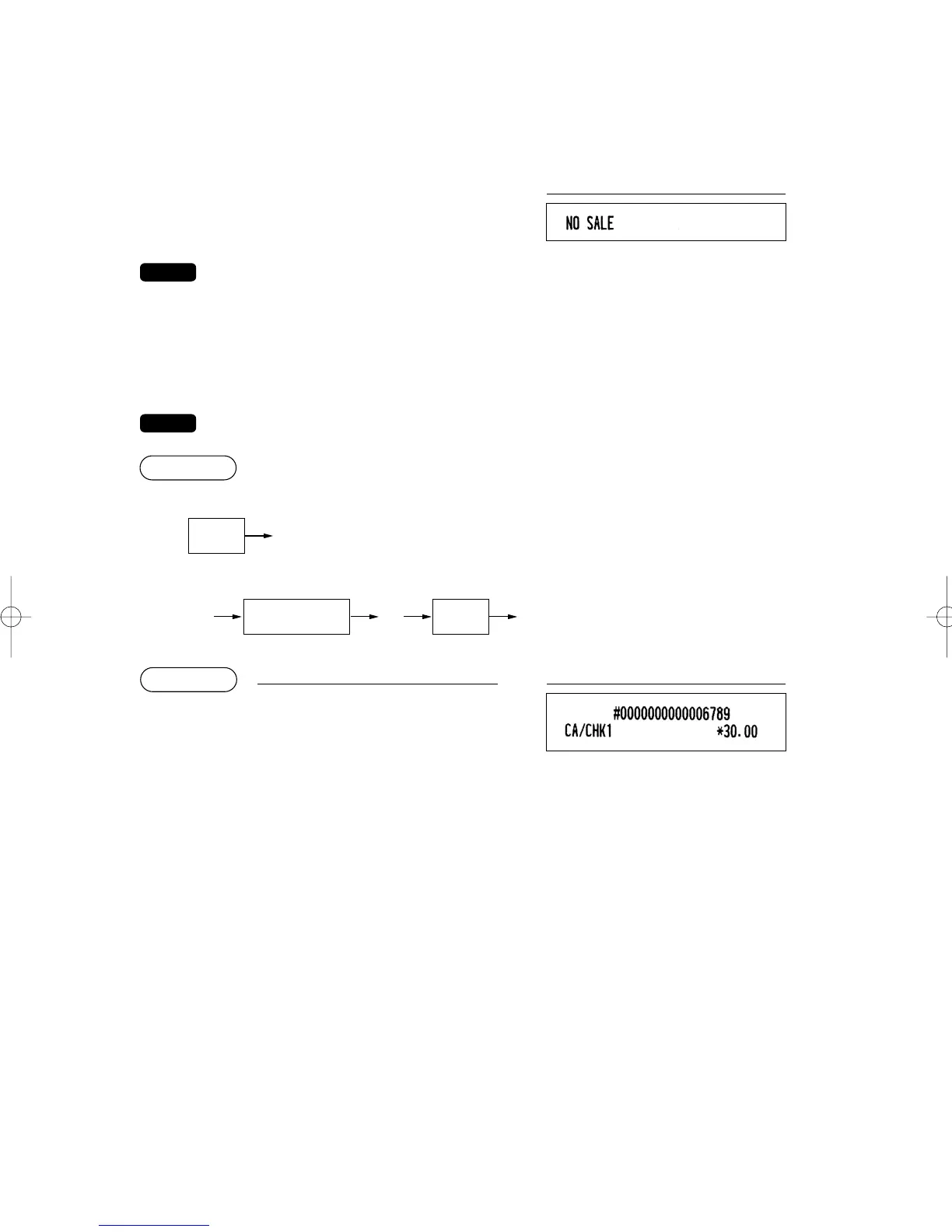
■ No-sale (exchange)
Simply press the
A
key without any entry. The drawer will open and the printer will print “NO SALE” on
both the journal and the receipt. If you let your machine print a non-add code number before pressing the
A
key, a no sale entry is achieved with a non-add code number printed.
You can also enter “No-sale” from the miscellaneous menu. Press the
M
key and select “NO
SALE” from the menu.
Print
■ Cashing a check
To use this function, please consult your authorized SHARP dealer.
Direct key entries
Menu-based entries
6789
=
3000
h
PrintKey operation
e eÇ
Item selection
from the window
Check
amount
ER-A280F_N(SEEG)(E)-3 09.6.18 6:51 AM Page 59



 To Next Page